Whole-Body Mode

ON THIS PAGE

Build an interactive avatar that truly connects
Deploy an avatar that answers questions, guides customers, and drives meaningful conversations 24/7.
Get started
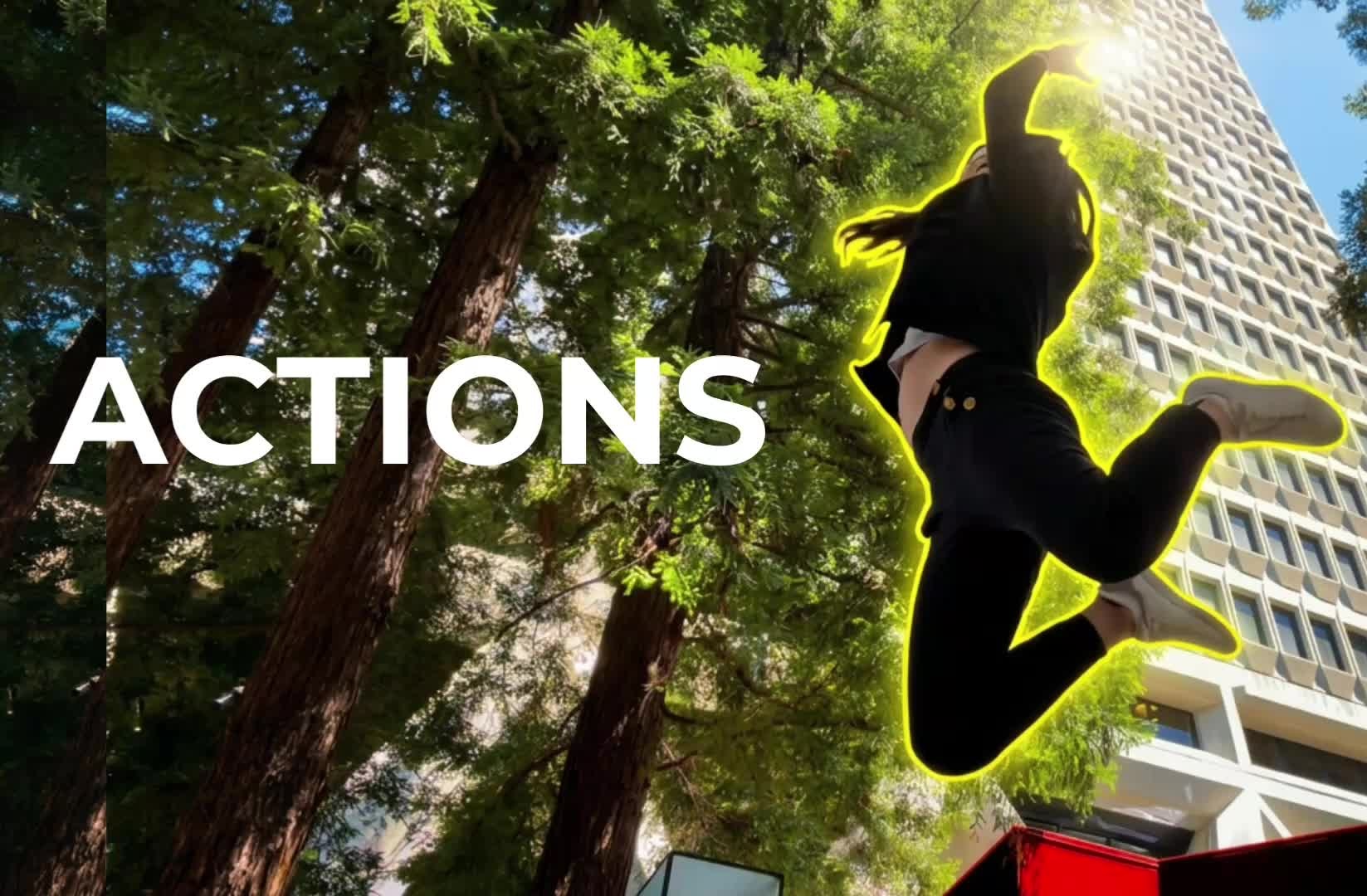
We're excited to announce "Whole Body Mode" available now on the Lemon Slice Creative Studio!
Whole-body images
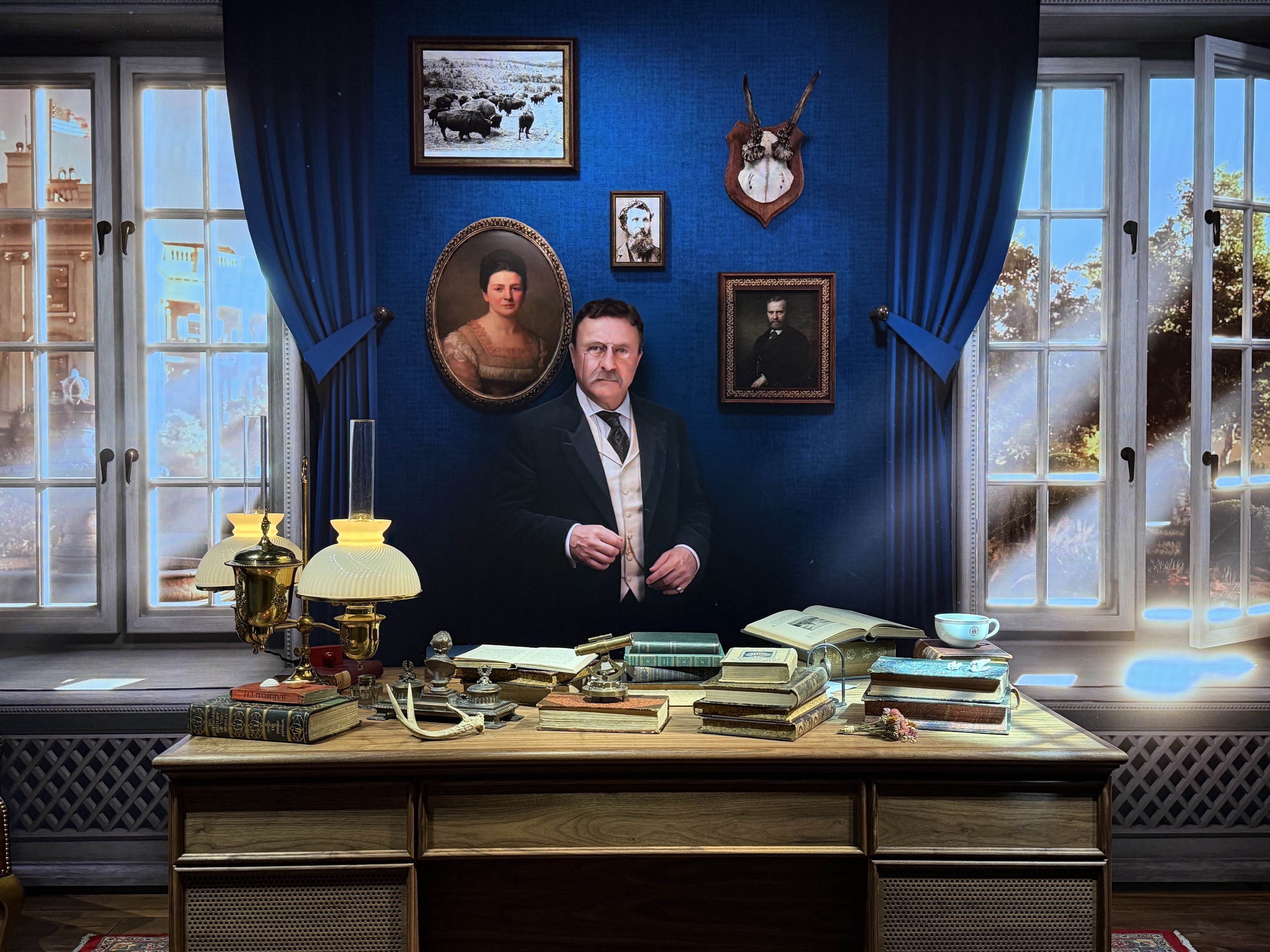
Whole-body mode inpaints only around the head. It's especially useful when you have whole-body or very zoomed-out images where the head is a small proportion of the overall image.
Tips
- Ensure there is SPACE between your character's head and the edge of the image. If not, it will significantly limit the character's head motion.
- Use a HIGH-RESOLUTION image. Your video will be returned at the native image resolution (except if it's VERY large, then it'll be downsampled slightly)
- Use this to animate an image with MULTIPLE PEOPLE. Cut the image in half (or more) and animate each half separately. Requires post-editing. See Ella & Louis example video below.
✨ Try it now! ✨
- Pick an image
- Select an audio
- Generate a video with the "whole body mode" toggle turned on
Whole-body mode can be used to animate multi-person images (requires post-editing)
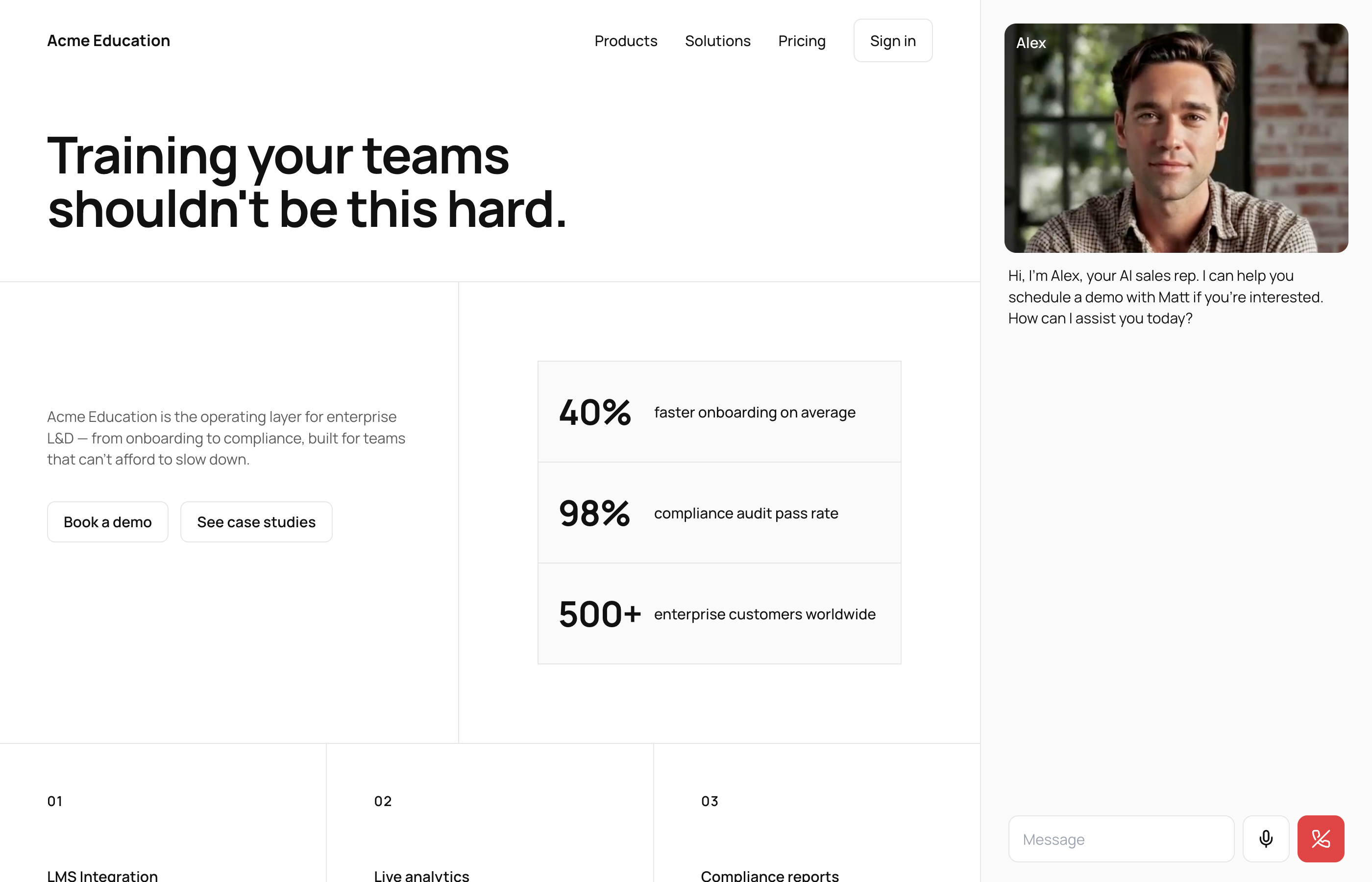
Create your first interactive AI avatar
Design your avatar, upload your knowledge base, and launch it on your website in minutes.


.gif)

.avif)

.avif)