Blog · May 28, 2026
Multiple Live Avatars + Chrome Extension
We share an open-source demo showcasing how to build an interactive experience that features multiple LemonSlice avatars, real-time transcription of browser audio, and a Chrome extension form factor.
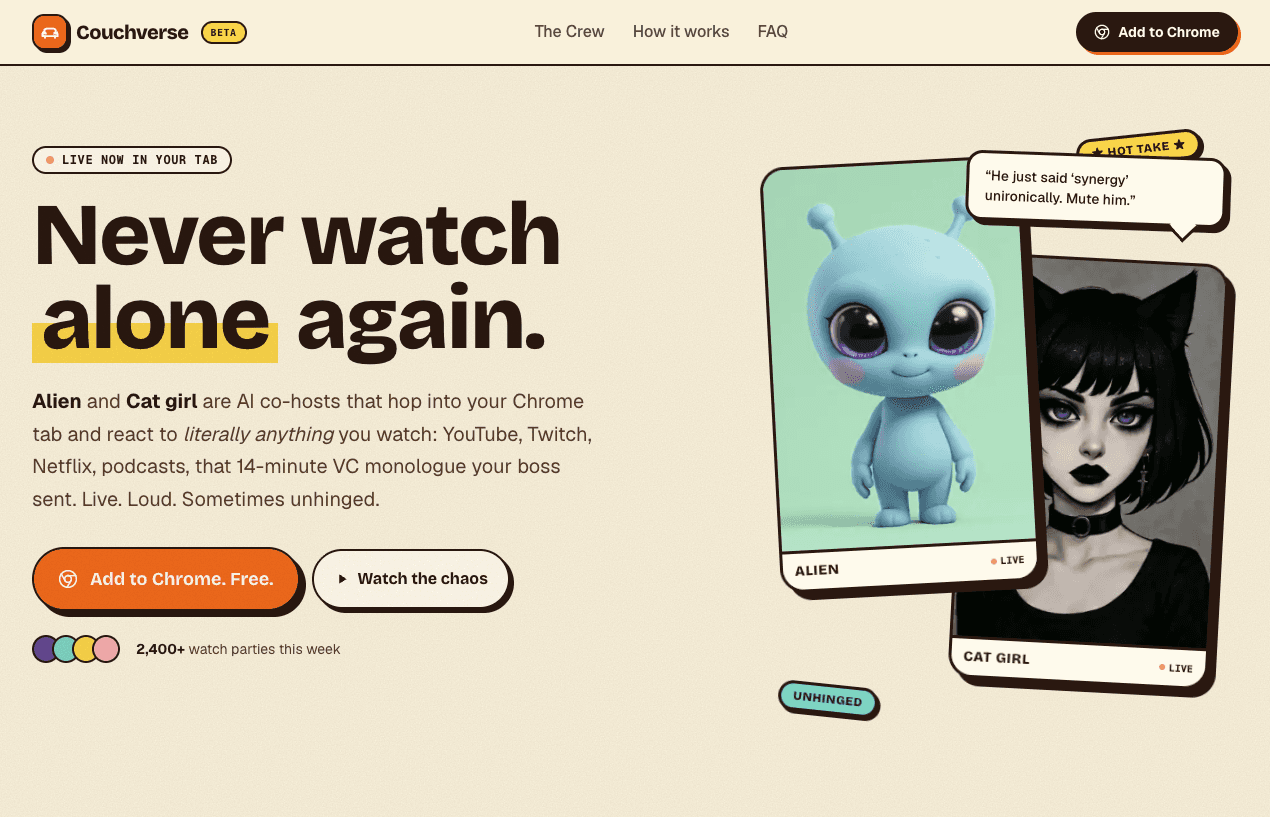
Did you know live avatars can comment on anything your browser is playing, no per-site integration required?
Most second-screen experiences are locked to a single platform: a Twitch overlay, a YouTube extension, a Spotify plugin.
This demo skips all of that. The extension grabs whatever audio is in your active tab with `chrome.tabCapture`, ships it over LiveKit, and two LemonSlice avatars in the side panel start cracking jokes about what they hear.
We open-sourced the whole stack so you can try it, fork it, and even create your own characters.
Technical highlights
This demo includes the following:
- Multiple avatars: multiple avatars interacting with each other, each with their own personality
- Live browser audio: transcribes audio directly from your browser in real-time. This works across any site from Netflix to Twitch
- Chrome extension: an easy form-factor for usability and sharing
The pipeline is Groq for STT and LLM, ElevenLabs for voice, and LemonSlice for the avatars.

Try It
Try it for free on the Chrome Extension Store. It takes <1 minute to install.
1. Install Couchverse from the Chrome Web Store
2. Open a tab playing anything with audio, and open the extension the icon
Click the “Start Couchverse” button. The Alien and Cat girl characters will start commentating. Tip: You can edit their chattiness in the “OPTIONS” dropdown
Open-Source Code
Github repo: https://github.com/lemonsliceai/couchverse
Make your own Characters
A persona in Couchverse is one Python file (for the LLM personality) and one image. See the full directions here to modify the personas and make them your own.