agent-id (required)

Your LemonSlice agent ID.
<lemon-slice-widget agent-id="agent_id"></lemon-slice-widget>

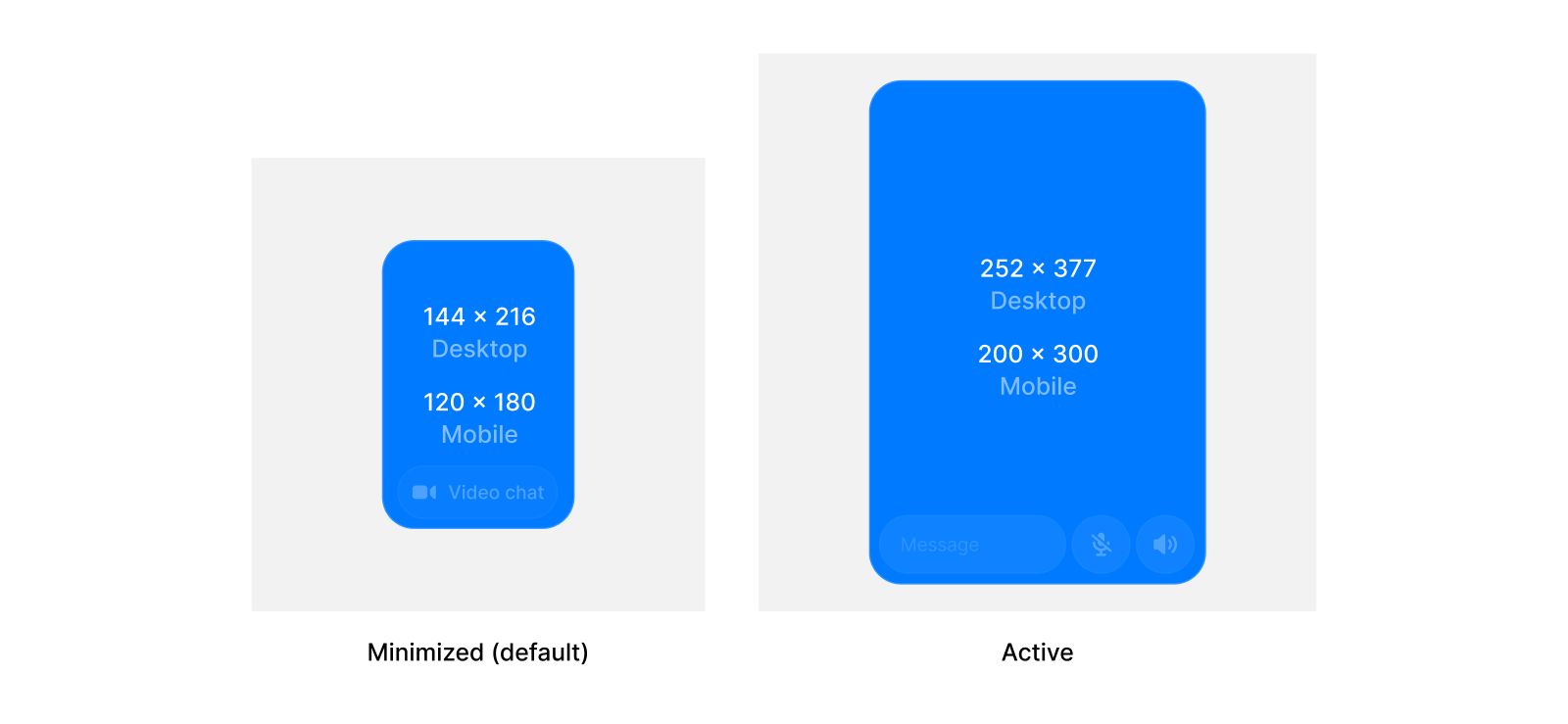
States and sizing

Users can switch between the hidden, minimized, and active states. You can set the default state and the sizes for each state for the widget. States
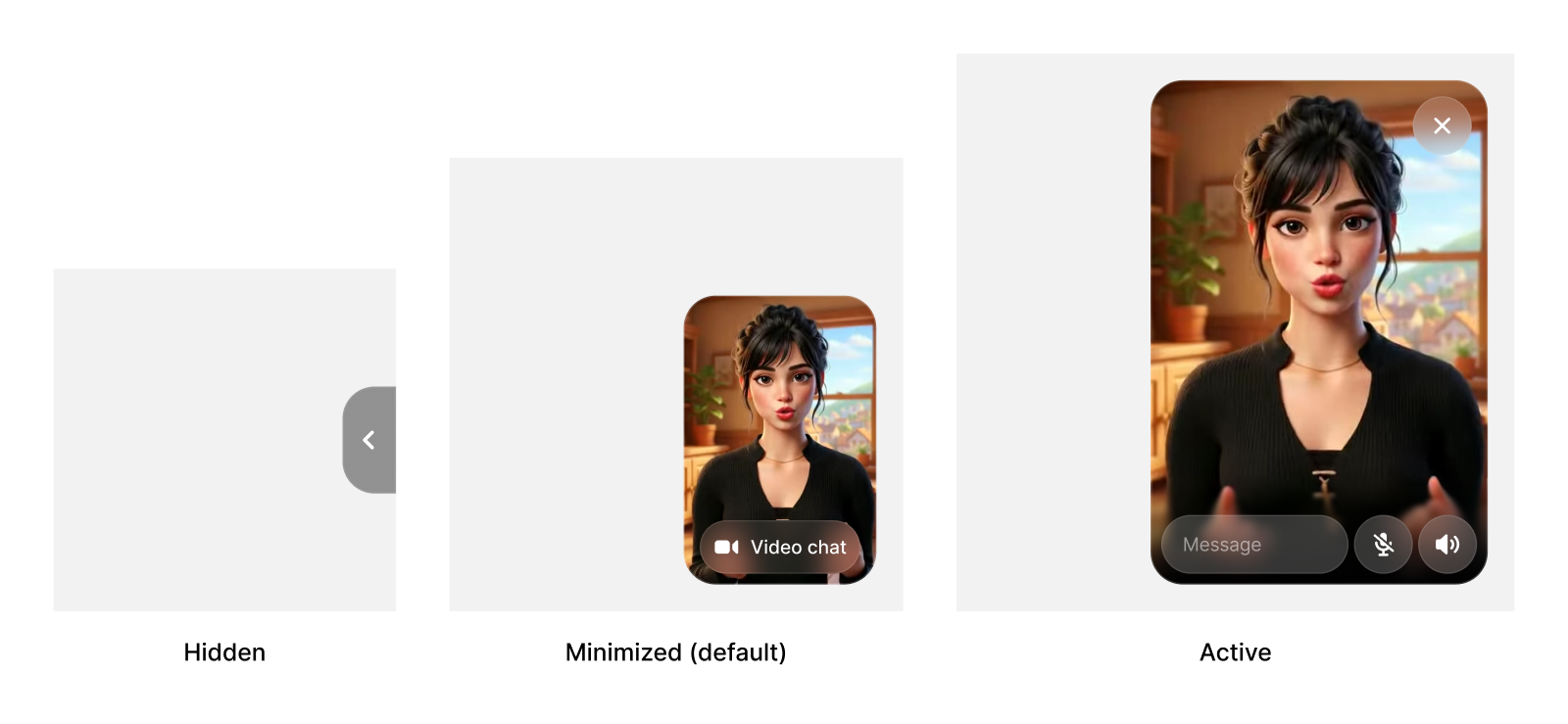
initial-state

Initial widget state on load. Options: "minimized", "active", or "hidden". Default: "minimized".
<lemon-slice-widget agent-id="agent_id" initial-state="active"></lemon-slice-widget>

controlled-widget-state

Dynamically control widget state. Options: "minimized", "active", or "hidden".
<lemon-slice-widget agent-id="agent_id" controlled-widget-state="active"></lemon-slice-widget>
Control the widget dynamically by updating attributes with JavaScript:
const widget = document.querySelector('lemon-slice-widget');

// Change widget state
widget.setAttribute('controlled-widget-state', 'active');

// Toggle minimize button
widget.setAttribute('controlled-show-minimize-button', 'false');
State Sizes

custom-active-width

Custom width for the active widget state in pixels.
<lemon-slice-widget agent-id="agent_id" custom-active-width="400"></lemon-slice-widget>

custom-active-height

Custom height for the active widget state in pixels.
<lemon-slice-widget agent-id="agent_id" custom-active-height="600"></lemon-slice-widget>

custom-minimized-width

Custom width for the minimized widget state in pixels.
<lemon-slice-widget agent-id="agent_id" custom-minimized-width="80"></lemon-slice-widget>

custom-minimized-height

Custom height for the minimized widget state in pixels.
<lemon-slice-widget agent-id="agent_id" custom-minimized-height="80"></lemon-slice-widget>

Styling

inline

Display widget inline instead of floating. Default: false.
<lemon-slice-widget agent-id="agent_id" inline></lemon-slice-widget>

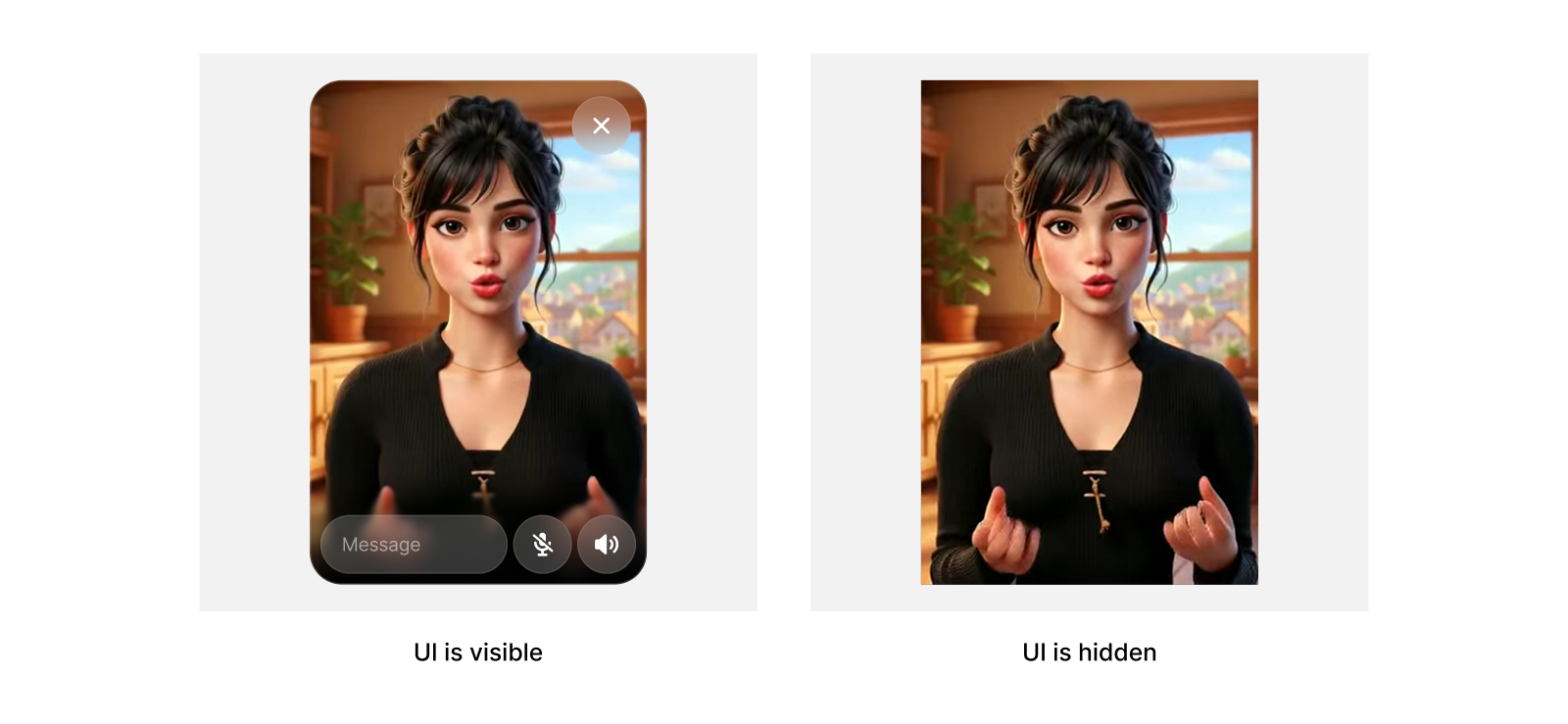
hide-ui

Hides all UI, while keeping sizing logic. Useful for if you want to build your own message UI.
<lemon-slice-widget agent-id="agent_id" hide-ui></lemon-slice-widget>
UI

controlled-show-minimize-button

Dynamically control minimize button visibility. Options: "true" or "false".
<lemon-slice-widget agent-id="agent_id" controlled-show-minimize-button="false"></lemon-slice-widget>

show-minimize-button

Show or hide the minimize button on hover. Default: true.
<lemon-slice-widget agent-id="agent_id" show-minimize-button="false"></lemon-slice-widget>

video-button-color-hex

Hex color (with or without #) used for the minimized video chat button. Default: #919191.
<lemon-slice-widget agent-id="agent_id" video-button-color-hex="#FF4FD8"></lemon-slice-widget>

video-button-color-opacity

Opacity for the video chat button color in the range [0, 1]. Default: 0.3.
<lemon-slice-widget agent-id="agent_id" video-button-color-opacity="0.8"></lemon-slice-widget>

Examples

Start expanded

<lemon-slice-widget agent-id="agent_id" initial-state="active"></lemon-slice-widget>

Custom button color

<lemon-slice-widget
  agent-id="agent_id"
  video-button-color-hex="#FF4FD8"
  video-button-color-opacity="0.8"
></lemon-slice-widget>

Custom widget sizes

<lemon-slice-widget
  agent-id="agent_id"
  custom-active-width="400"
  custom-active-height="600"
  custom-minimized-width="120"
  custom-minimized-height="120"
></lemon-slice-widget>