

agent-id (required)
Your LemonSlice avatar ID.HTML
States and sizing
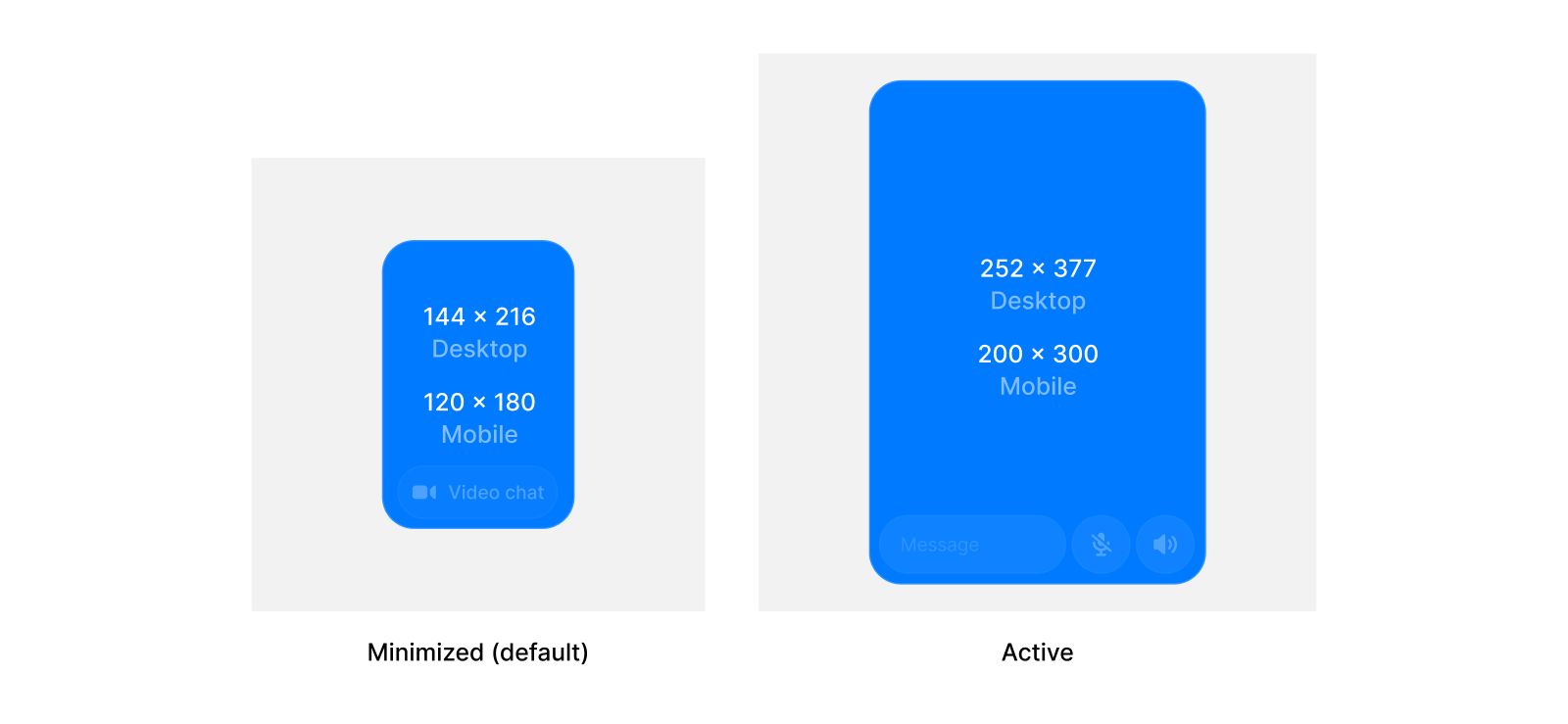
Users can switch between the hidden, minimized, and active states. You can set the default state and the sizes for each state for the widget.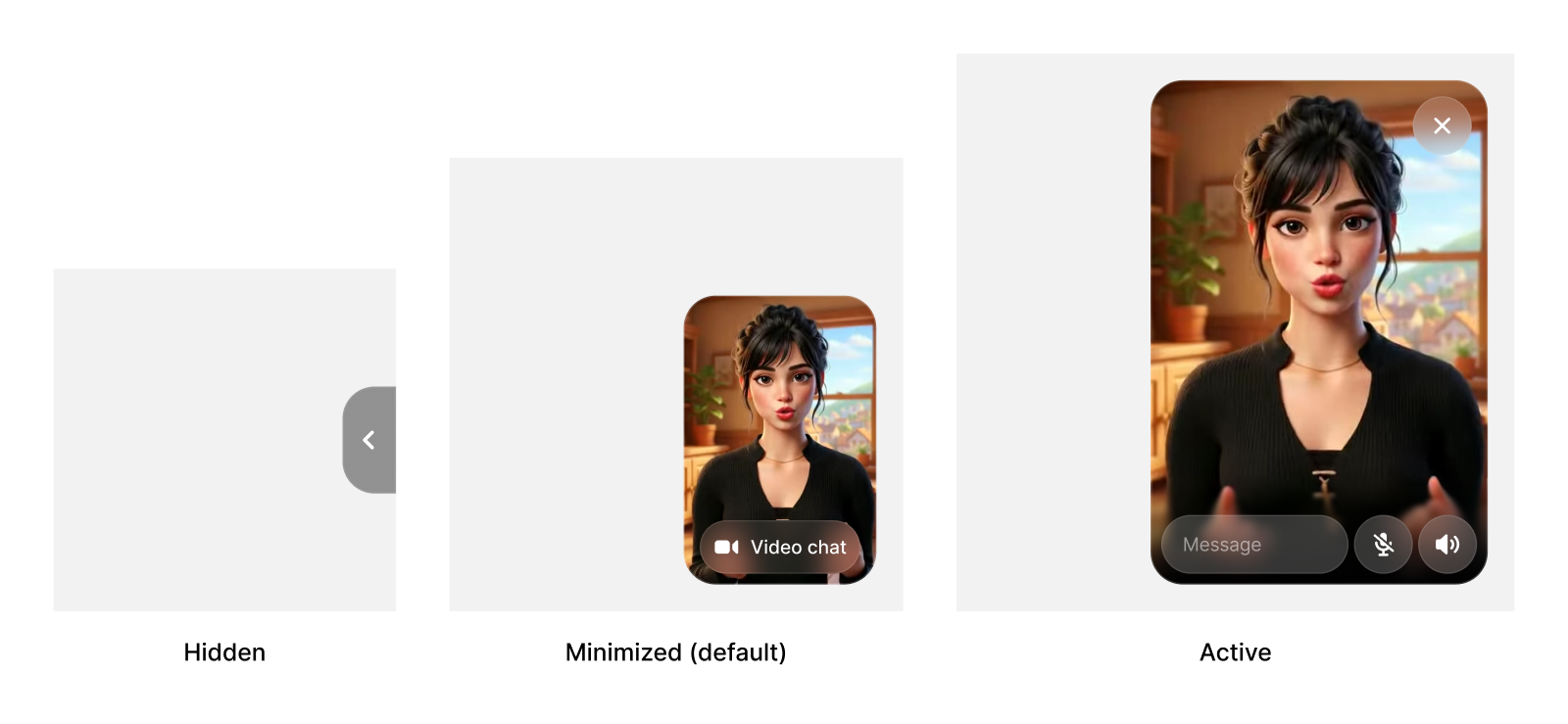
initial-state
Initial widget state on load. Options:"minimized", "active", or "hidden". Default: "minimized".
HTML
controlled-widget-state
Dynamically control widget state. Options:"minimized", "active", or "hidden".
HTML
JAVASCRIPT
custom-active-width
Custom width for the active widget state in pixels.HTML
custom-active-height
Custom height for the active widget state in pixels.HTML
custom-minimized-width
Custom width for the minimized widget state in pixels.HTML
custom-minimized-height
Custom height for the minimized widget state in pixels.HTML
Styling
inline
Display widget inline instead of floating. Default:false.
HTML
hide-ui
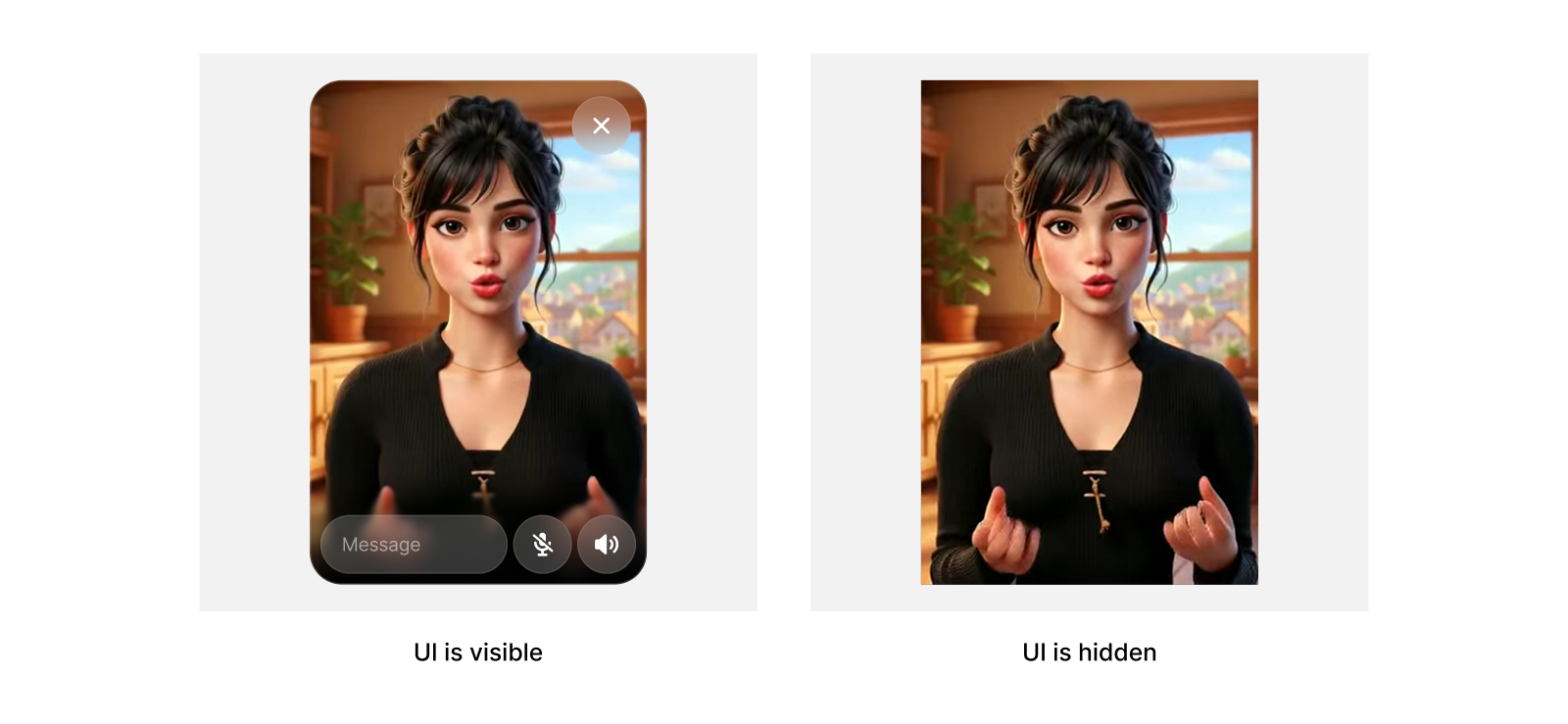
Hides all UI, while keeping sizing logic. Useful for if you want to build your own message UI.HTML
controlled-show-minimize-button
Dynamically control minimize button visibility. Options:"true" or "false".
HTML
show-minimize-button
Show or hide the minimize button on hover. Default:true.
HTML
video-button-color-hex
Hex color (with or without#) used for the minimized video chat button. Default: #919191.
HTML
video-button-color-opacity
Opacity for the video chat button color in the range[0, 1]. Default: 0.3.
HTML
Examples
Start expanded
HTML
Custom button color
HTML
Custom widget sizes
HTML