
What is the LemonSlice Widget?
The LemonSlice widget is a fully-managed conversational AI service and web component. Use it when you want the fastest path to adding an interactive avatar to your website.How to use
- Create an avatar on the LemonSlice avatar platform. You can customize your avatar’s appearance, voice, personality, and knowledge base.
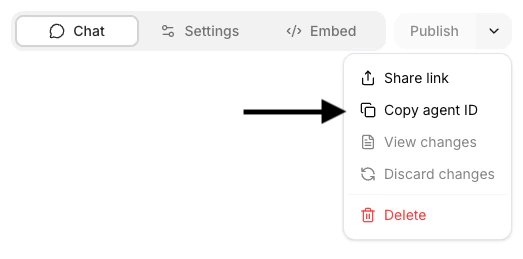
- Add the embed code below to your webpage, replacing
agent_idwith your avatar’s ID. Check out our installation guides for common web-hosting platforms.
HTML
Interacting with the widget
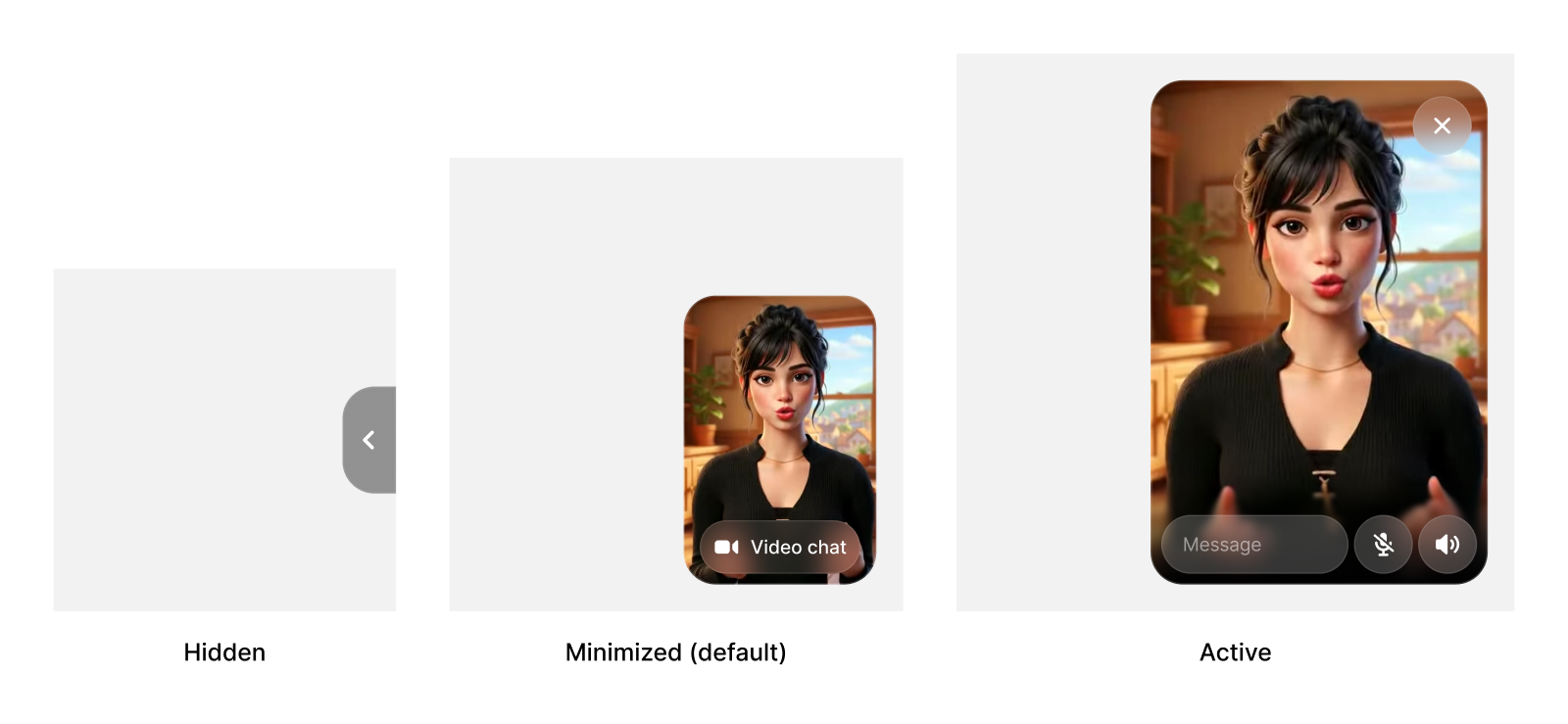
We designed the LemonSlice widget to fluidly switch between being an unintrusive yet captivating state, an immersive calling experience, and a fully hidden state. By default, users see the widget at the minimized state, with your welcome video playing on loop. If the user clicks to start a chat, they’ll enter the active state, allowing them to chat with the avatar. If the user hovers over the widget in the minimized state and clicks the minimize icon , this collapses the widget into the hidden state. The widget is pinned to the corner of your website by default, to allow for a persistent experience across pages.