
Articles · Sep 5, 2026
Best HeyGen Alternatives in 2026
Seven HeyGen alternatives for 2026, split into pre-rendered avatar video tools and live interactive avatar platforms, with verified pricing and verdicts.
HeyGen is one of the most widely used AI video platforms. The same account covers avatar generation, one-click video translation, a prompt-to-video Video Agent, and a text-based editing studio with captions and voice cloning.
This article covers the avatar side. HeyGen's avatars do two different jobs. Avatar V generates pre-rendered avatar videos from a script. LiveAvatar gives conversational agents a face that answers on a live video call.
Most teams searching for a HeyGen alternative are replacing one of those two jobs, and the tools that compete for each are not the same. This guide covers seven alternatives, four for pre-rendered video and three for live conversation, with pros, cons, and a verdict on each.
How we picked these tools
Prerendered avatars vs. live avatars
A pre-rendered avatar video is generated ahead of time. You write a script, pick a presenter, and the platform renders a finished clip you can publish, translate, or drop into a course. Every viewer watches the same clip.
A live interactive avatar is generated during the conversation itself. It listens while you talk, thinks about a reply, and renders the character saying it in real time, like a video call.
| Pre-rendered avatar video | Live interactive avatar | |
|---|---|---|
| What it is | A finished clip rendered from a script before anyone watches it | A character generated during the conversation itself |
| How it is made | The platform renders the video ahead of time, then you publish it | Every frame is generated in real time as the avatar listens and replies |
| How you interact | Playback only, the same clip for every viewer | Two-way, it answers you like a video call |
| Typical uses | Training courses, explainers, video ads | Support, sales demos, tutoring |
The seven tools below split across those two lanes, four pre-rendered and three live. To make the cut, a tool had to be actively maintained, publicly priced, and independent of HeyGen. Here's how they compare at a glance:
| Tool | Best for | Lane | Paid plans from |
|---|---|---|---|
| Synthesia | Enterprise training video with compliance requirements | Pre-rendered | $18/month |
| Creatify | Video ad variations at volume | Pre-rendered | $39/month |
| Colossyan | Courses delivered through an LMS | Pre-rendered | $59/month billed annually |
| Elai | Avatar video on a small budget | Pre-rendered | $23/month billed annually |
| LemonSlice | Live conversations with any character | Live | $8/month |
| Tavus | Conversational AI agents through one API | Live | $22/month |
| Anam | Avatar agents on the web in any style | Live | $12/month |
Product and pricing information: vendor product and pricing pages, August 2026.
Pre-rendered avatar videos
HeyGen's product in this lane is Avatar V, released in April 2026. It's built around identity consistency, keeping the same face and the same micro-expressions in every clip, with lip-sync in 175+ languages.
The four tools below compete for that job. None of them holds a live conversation. If that's what you came for, skip ahead to the next section.
Media: One image inside this section with a one-line caption.
Synthesia
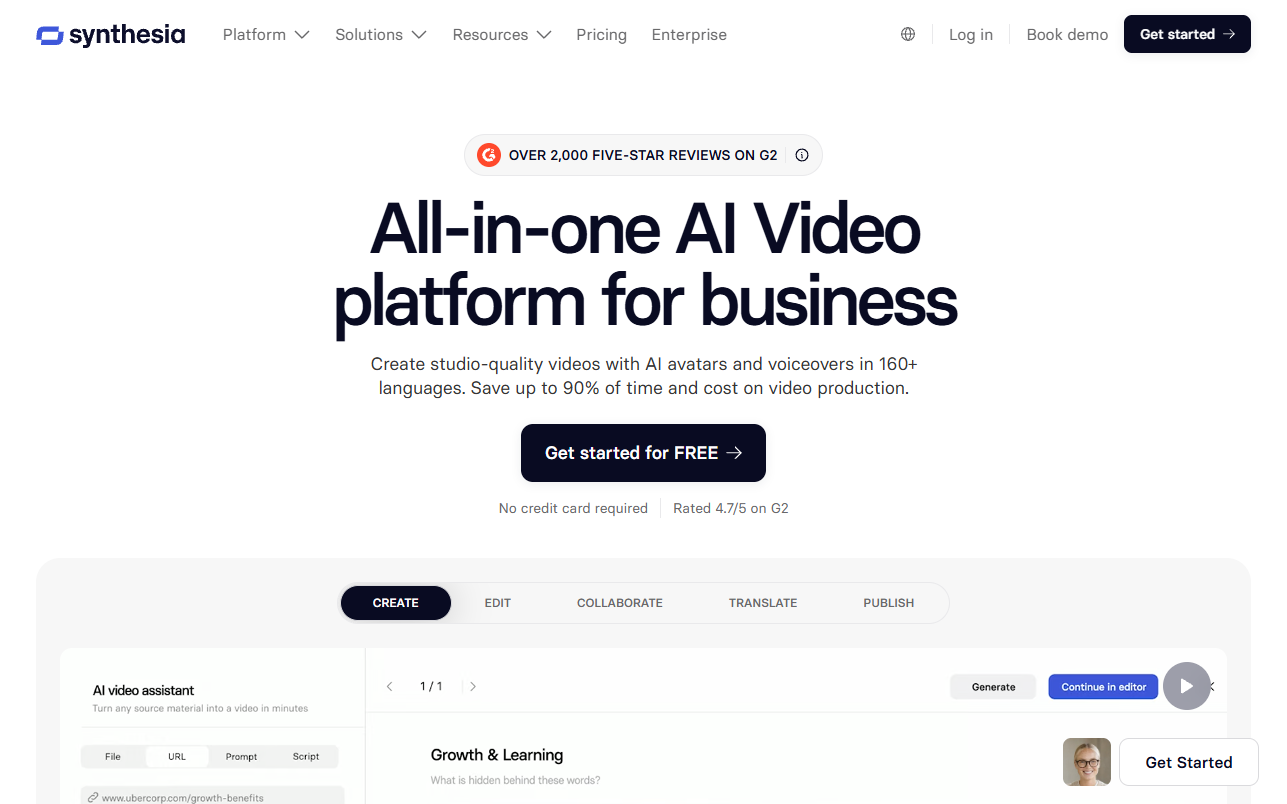
Synthesia is the alternative most enterprise teams evaluate first. It makes studio-quality avatar video with voiceovers in 160+ languages.
The library covers 240+ stock avatars, and you can create a custom avatar of your own presenter. Scripts translate in one click. Finished videos export as SCORM packages, so they drop into any LMS.
For large companies, the compliance work matters most. SOC 2 Type II, GDPR, and ISO 42001 audits are already done, which shortens security review.
Training videos can also include knowledge checks, clickable buttons, and branching scenarios, so you can check that people actually completed a course.
A free plan includes 10 minutes of video per month, and paid plans start at $18 per month.
Pros:
- One-click translation across 160 plus languages, with SCORM export built in
- Compliance certifications that satisfy enterprise security teams
- Custom avatars of your own presenters, on top of a large stock library
Cons:
- Video minutes are metered per plan, and the 10 free minutes go quickly
- Studio-filmed custom avatars cost a separate yearly add-on
- Built for corporate video, so scrappy social-first creative is not the sweet spot
Bottom line: Synthesia is the safest swap for HeyGen inside a large company. The compliance work is done, the languages are covered, and the LMS path is built in. If you're making ad creative rather than corporate video, the next profile is a better fit.
Creatify
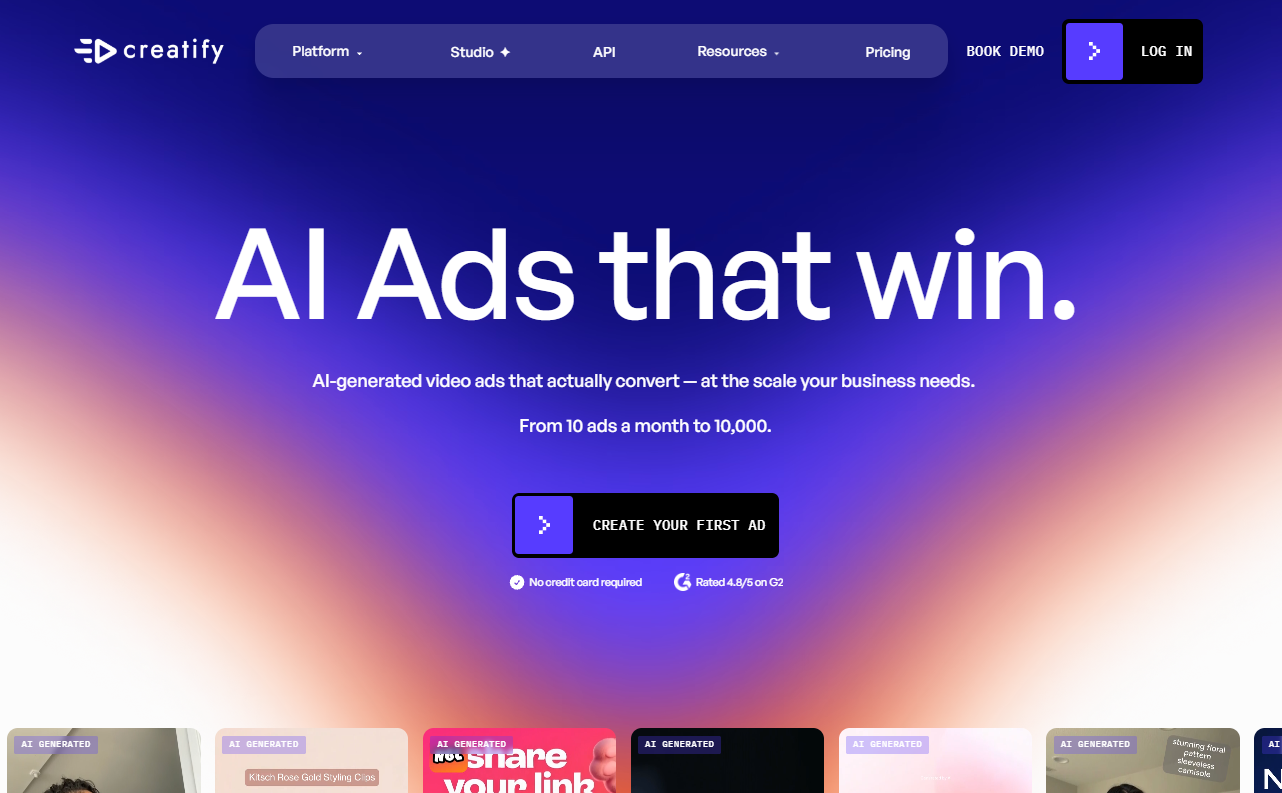
Creatify is built for advertising. Give it a product page and it returns finished video ads in minutes, ready to test.
You choose the style, authentic UGC or polished cinematic, and generate variations in batches. An Ad Launcher connects your Meta, TikTok, and AppLovin accounts, so a winning ad ships without leaving the platform.
The product is built around the paid-social workflow. You generate creative, test it, and replace it before ad fatigue sets in.
The free plan covers 10 monthly credits, about two video ads, with watermarked exports. Paid plans start at $39/month.
Pros:
- URL-to-video turns product listings into ad creative fast
- Batch generation suits paid social testing at volume
- Launches directly into Meta, TikTok, and AppLovin ad accounts
Cons:
- Everything is tuned for ads, so training or comms video is a stretch
- Free-plan exports carry a watermark
- Credit-based pricing takes some forecasting at scale
Bottom line: Creatify is the right choice when the deliverable is a stream of ad variations rather than one polished explainer. Because it connects directly to Meta, TikTok, and AppLovin, you can take a script to a live ad in one tool. For training or internal comms, the other tools in this lane are a better fit.
Colossyan
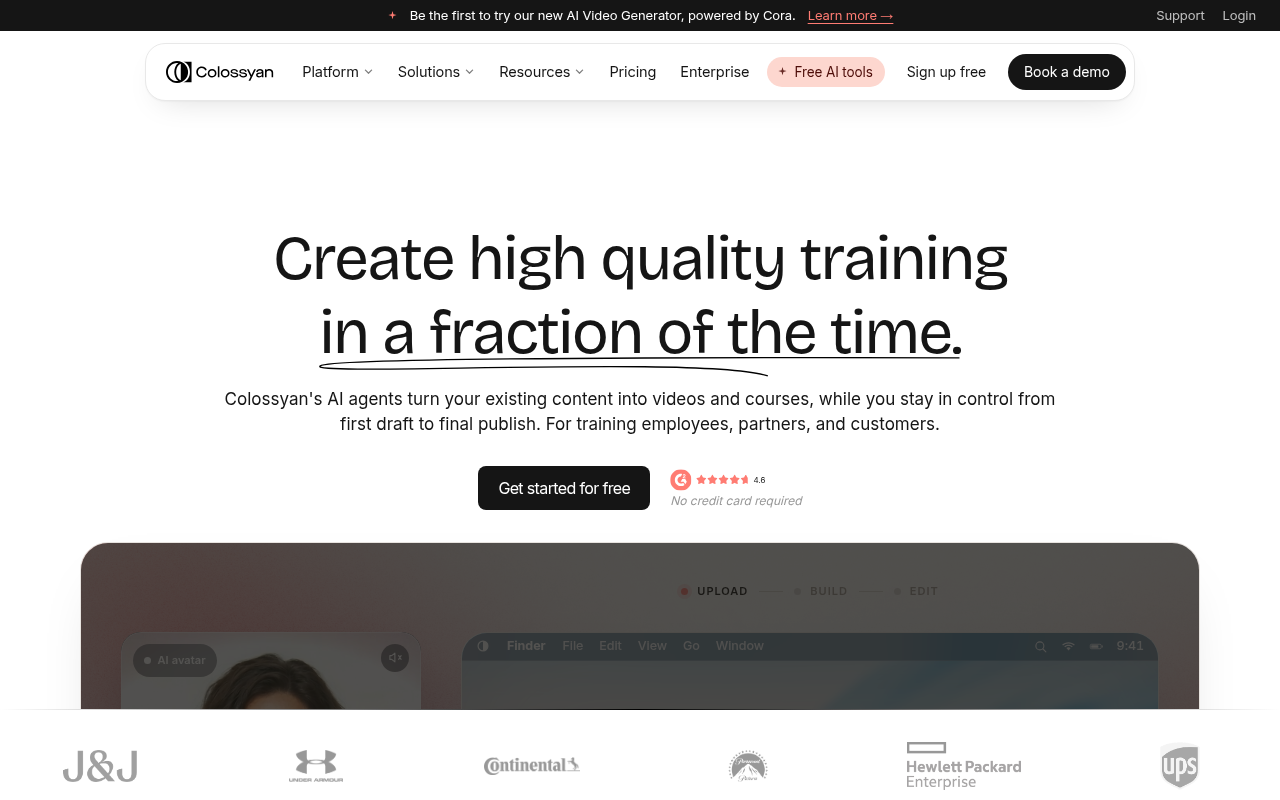
Colossyan treats video as courseware. It pairs 300+ avatars with quizzes, branching scenarios, and clickable buttons, then publishes straight to your LMS as a SCORM package.
Pick Colossyan mainly for that publishing path. Professional plans include five SCORM exports a month, and Enterprise supports any SCORM 1.2 or 2004 system, including Workday and Docebo.
Localization reaches 100+ languages from one source file.
Courses build from the PDFs and slide decks you already have, and edits version without re-recording, which keeps compliance content current.
A free Starter tier includes the entire avatar library. When you outgrow it, Professional costs $59/month on an annual plan.
Pros:
- SCORM export and LMS compatibility treated as core features
- Branching, quizzes, and buttons make training measurable
- Courses generate directly from PDFs and presentations
Cons:
- Narrow fit outside learning and development work
- SCORM exports are capped at five per month below Enterprise
- The highest entry price among the pre-rendered picks here
Bottom line: Colossyan makes sense when your videos must land inside an LMS and prove completion. The SCORM support runs deeper than anything else on this list. If you only need standalone clips, the cheaper tools in this lane cover that.
Elai
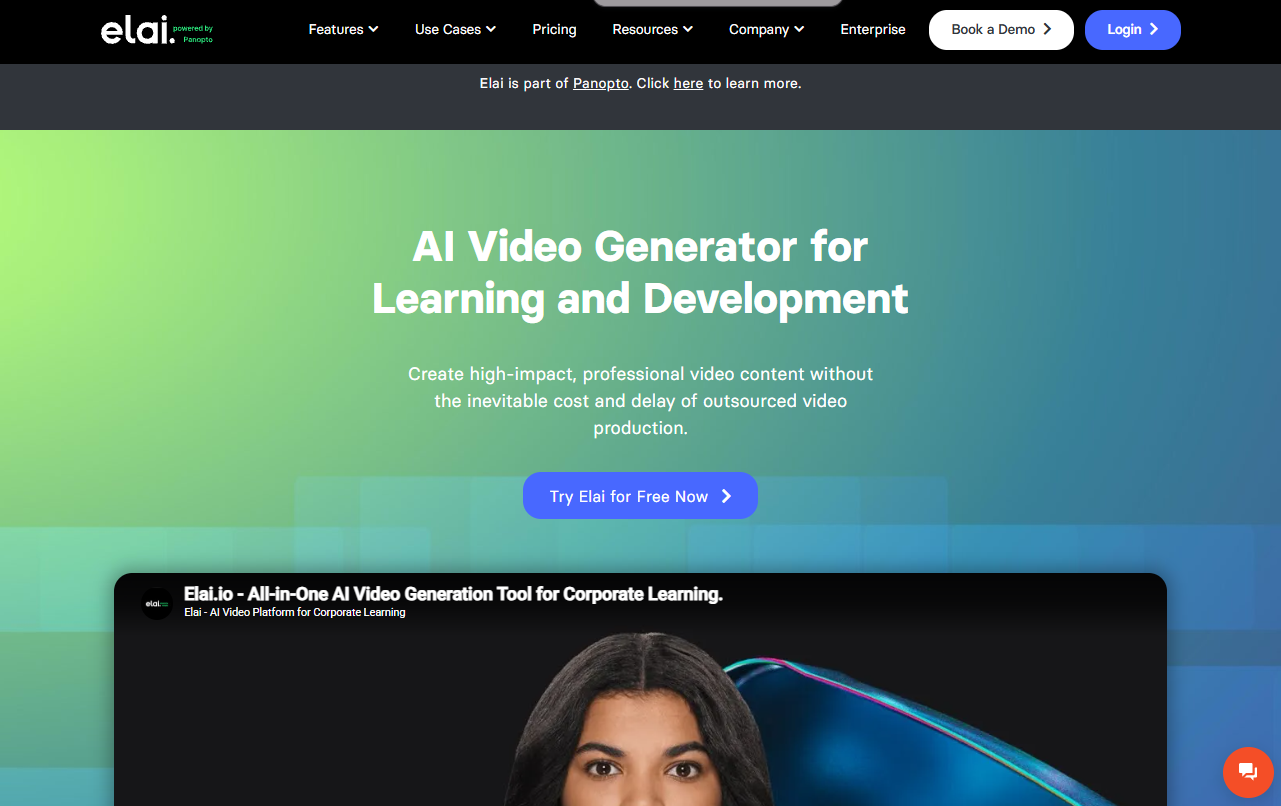
Elai is the budget pick that still covers the fundamentals. The library holds 80+ avatars, speech spans 75+ languages with 450+ accents, and voice cloning works in 28 of them.
A PPTX upload becomes editable video slides. Two avatars can share a scene for dialog-style training scenarios. There's an API for automated renders, a template library, and one-click translation.
Elai keeps the price low by capping capacity.
A free plan includes one minute of video, the Creator tier includes 15 minutes a month, and each plan seats a single user, so teams climb tiers quickly.
Paid plans start at $23/month, billed annually.
Pros:
- Lowest paid entry price in the pre-rendered lane
- Voice cloning in 28 languages plus PPTX-to-video conversion
- Two-avatar dialog scenes for scenario-based training
Cons:
- Only 15 minutes of monthly video on the entry plan
- A smaller avatar library than the bigger platforms carry
- Single-seat entry plan, with team seats on pricier tiers
Bottom line: Choose Elai if you want the lowest price in this lane. For occasional explainers and course modules, it covers everything you need. Check the minute caps against your production volume before committing.
Live interactive avatars
HeyGen's product in this lane is LiveAvatar, its real-time avatar API. It gives a conversational agent a face that listens and answers on a live call.
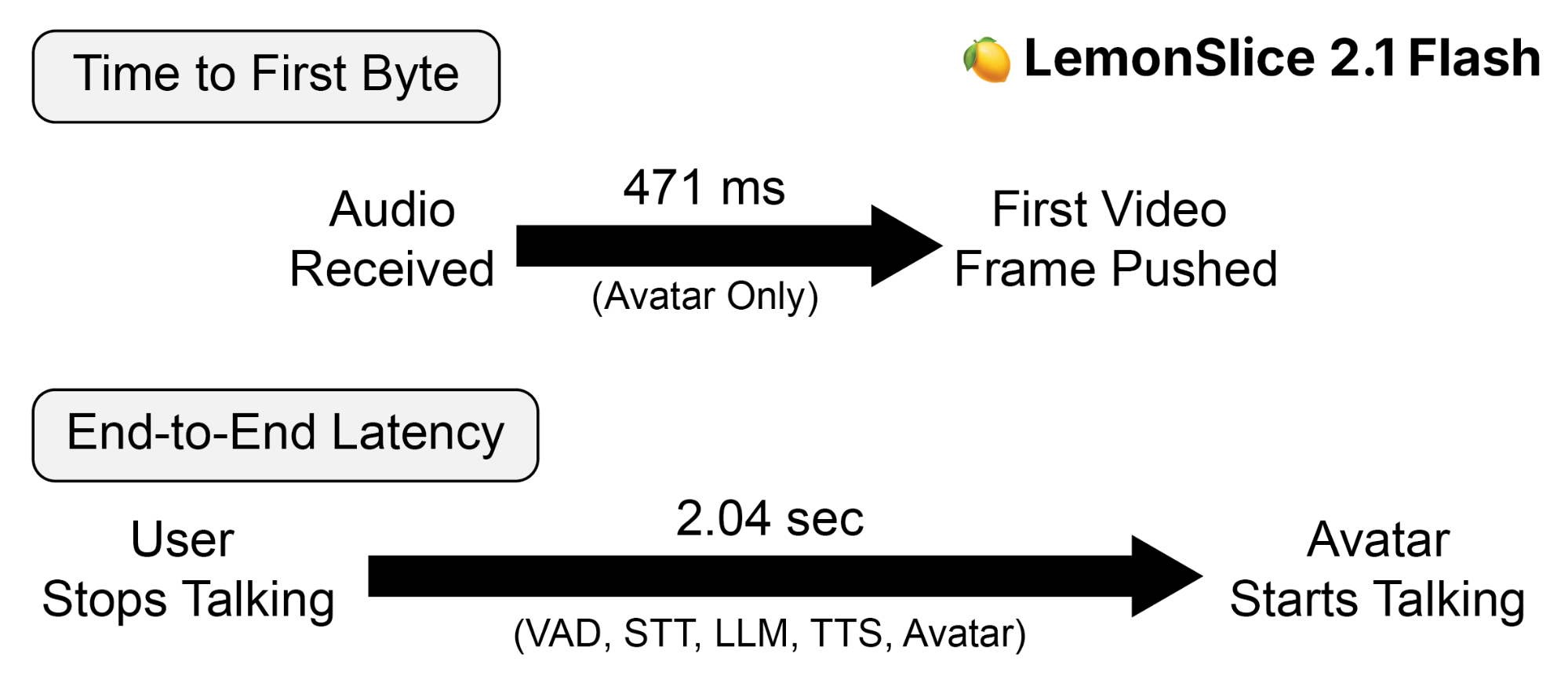
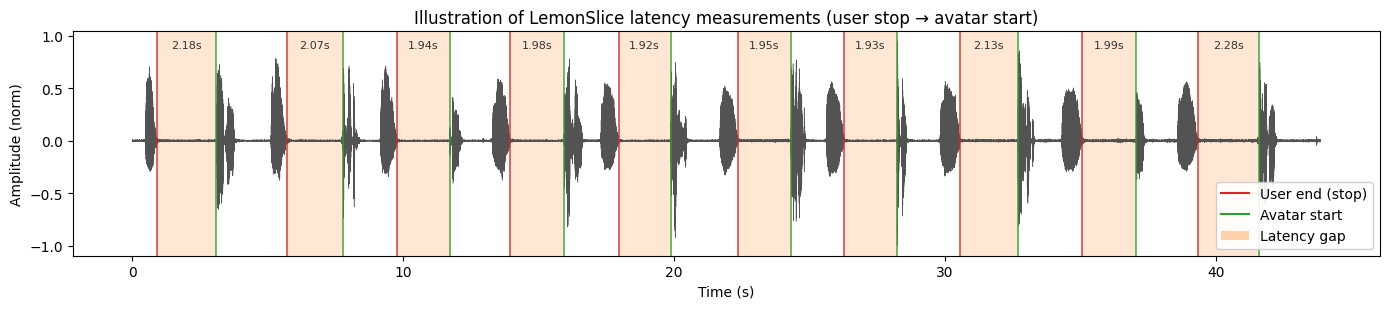
Latency is one of the main things these tools compete on. Interface research going back decades puts the threshold near one second before a pause starts to feel broken.
The three tools below compete for that job. They differ mainly in the characters they can animate, how custom avatars get created, and how pricing scales with usage.
Media: One image inside this section with a one-line caption.
LemonSlice
LemonSlice builds interactive avatars, digital characters that listen, talk, and respond face to face inside your product or website. If you already run a chatbot or voice agent, you can add a talking, listening face to it the same day.
Characters are created from a single photo, instantly. There's no training to wait on and no per-avatar fee, and every plan includes unlimited avatars. If it has a face, LemonSlice can animate it, so cartoons, animals, and mascots work as well as photorealistic humans.
The character has a body and an environment. Hand gestures and natural body language emerge as part of the performance. You can trigger emotions like happiness, sadness, and anger through the Action Engine, and an image update changes the clothing or scene mid-conversation.
Teams use them to turn automated support into face-to-face conversations, run sales demos that respond to prospects, build tutors and onboarding guides, and power concierges on physical kiosks. LemonSlice offers the widget as a no-code way to add an interactive avatar into your site with two lines of code. You can chat with featured avatars in the library for free, then start building your own for only $8/month.
Underneath is a Character World Model, an end-to-end video diffusion transformer in the same class as Veo 3 or Sora, except it runs in real time on a single GPU. Nothing is composited or pre-recorded. Every pixel is generated from scratch at 20fps, which is what enables the models to animate not just the face and lips, but also the entire body, backgrounds, and non-humanoids.
It's also fast. LemonSlice 2.1 Flash responds in 471ms on average, making it the fastest model among major avatar providers in published benchmarks.
For developers who want to build interactive avatars into their own applications or products, LemonSlice also offers an API. It allows you to use LemonSlice with any LLM or voice provider. Integrations are also available for LiveKit, Pipecat, Agora, and WebSockets. The API supports 1000+ concurrent calls on Enterprise plans and is powered by a global fleet of GPUs, making it a robust choice for large-scale corporations.
Pros:
- Any character, including mascots, animals, and non-humanoids
- Highly expressive and attention-grabbing characters
- Full lip sync, facial animation, hand gestures, whole body movements, and even moving backgrounds
- Instant characters from one photo, with unlimited avatars on every plan
- The only provider with an action engine and emotion engine
- API-first, works with any LLM or voice provider
Cons:
- Calls on self-serve subscriptions are limited to 30 minutes (24 hrs available on Enterprise)
Bottom line: Choose LemonSlice when you need an interactive avatar that builds trust or holds a user's attention. LemonSlice avatars are consistently rated more expressive and natural, due to their novel Character World Model approach. Also choose LemonSlice when you want animals, cartoons, or non-human avatars. Or when you want hand gestures and whole-body actions.
Tavus
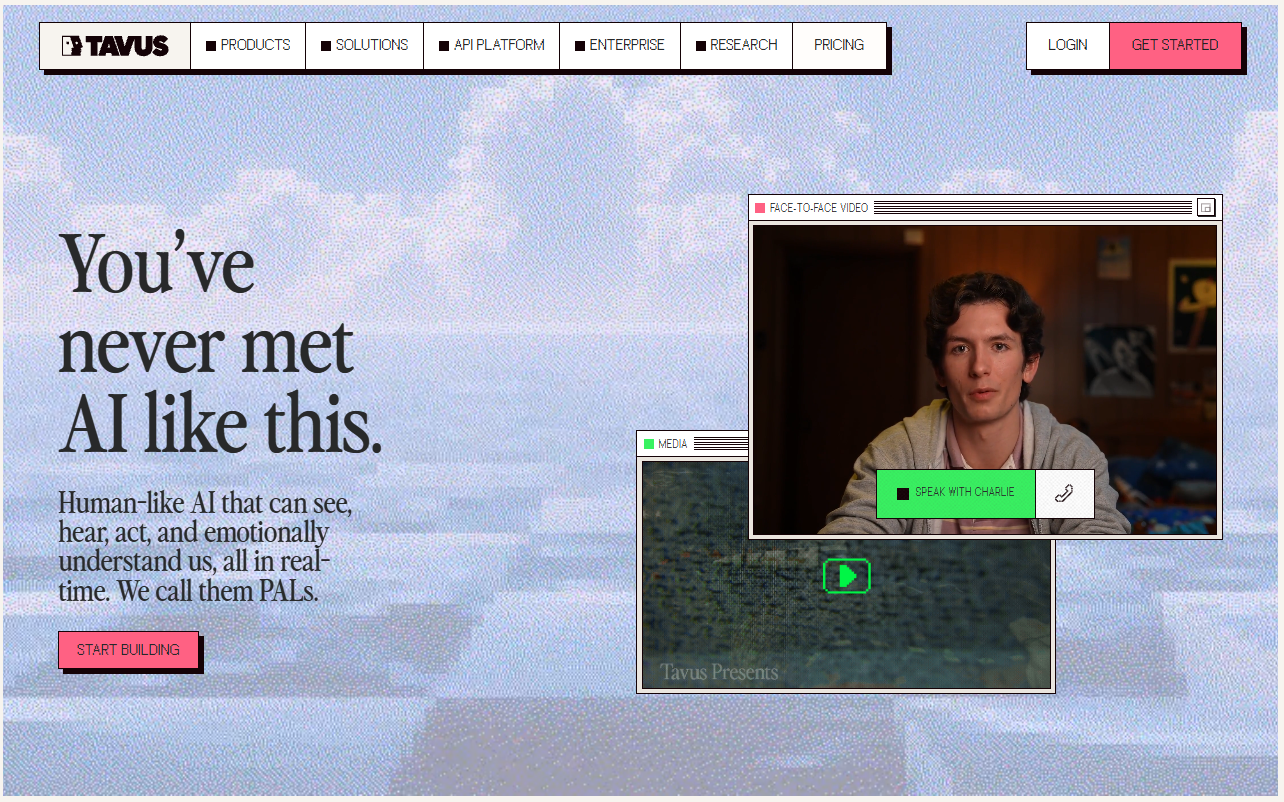
Tavus sells a complete avatar experience you build through one API. Its main product is the Conversational Video Interface, or CVI, and it runs on three in-house models. Phoenix-4 renders the avatar, Raven-1 handles perception, and Sparrow-2 manages turn-taking.
You get a working conversational agent with memory and knowledge-base features built in, without assembling those pieces yourself. If you'd rather not write code, PAL Maker gives you a no-code path.
Custom avatars, called Replicas, take more planning here than anywhere else in this lane. Tavus trains a custom model for each Replica, which takes 2-6 hours, and each tier allows only a fixed number of Replicas. Minutes are metered, with overage once the included ones run out.
A free tier includes 20 minutes of conversational video, and the Starter plan is $22/month.
Pros:
- A complete conversation stack, with perception and turn-taking models included
- Memory and knowledge-base features for grounded agents
- No-code PAL Maker alongside the developer API
Cons:
- Custom Replicas occupy limited per-plan slots
- Each new Replica requires a 2-6 hour training step
- Metered minutes with pay-as-you-go overage add up in production
Bottom line: Choose Tavus if you want one vendor to own the entire conversational stack, perception and turn-taking included. Tavus trains all three models in-house, and it's a good choice if you want a low-code way to ship an interactive avatar experience. If your product creates characters on the fly, you need to plan around the multi-hour per-avatar training step and limited slots.
Anam
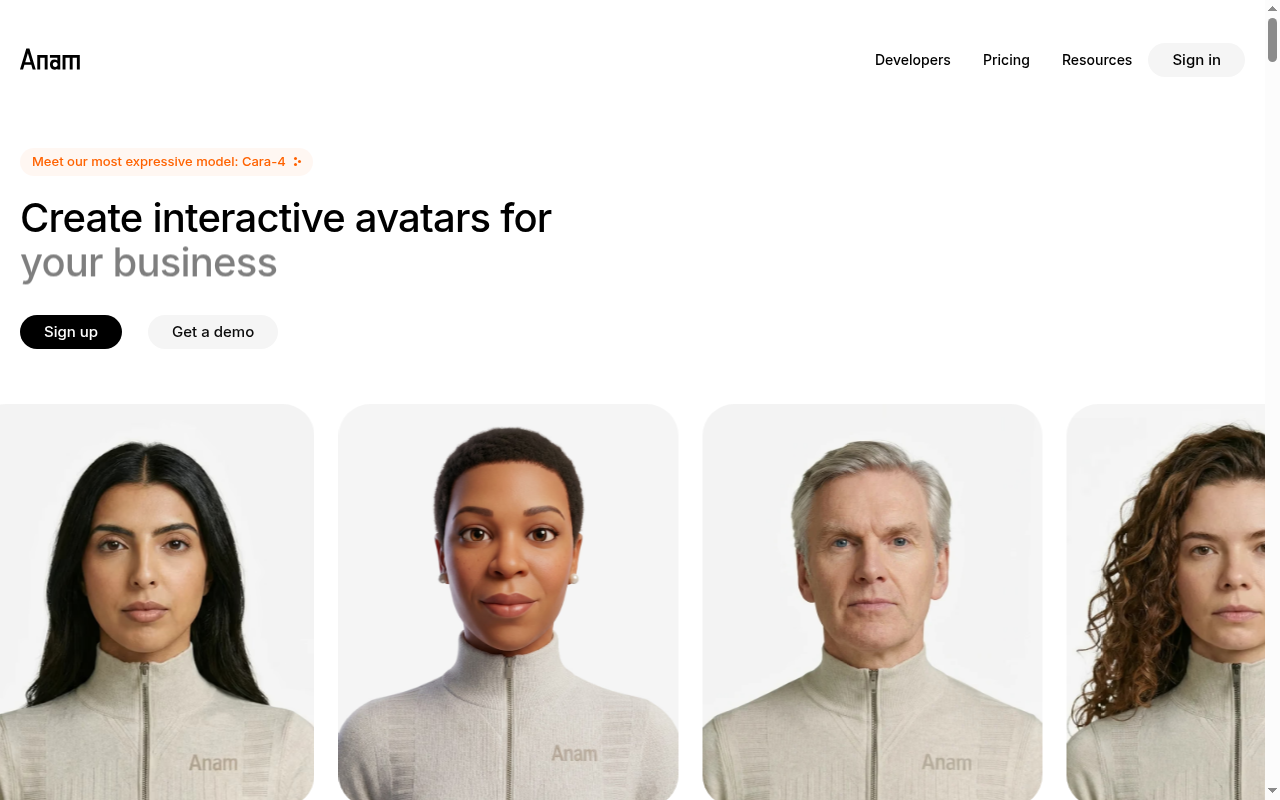
Anam animates characters in any style, with a focus on photorealistic humans. Its latest model, Cara-4, ranks first on the avatar benchmark the company cites, and Anam quotes 180ms latency for its models.
You can deploy it two ways, through an embeddable widget or an API.
The widget drops an avatar into a web page, and the API wires one into your product.
Sessions scale to thousands of simultaneous conversations, so it holds up for customer-facing work like support, sales, and tutoring on a busy site. Growth tiers remove the conversation-length cap.
Plans are metered. A free playground tier gets you started, and the $12/month Starter plan is there when you want to start building. Conversation length and the number of custom avatars are capped on the lower tiers.
Pros:
- Natural motion across photorealistic, anime, and 3D styles
- Widget for quick embeds, API for custom builds
- Thousands of simultaneous sessions without degradation
Cons:
- Significant conversation-length limits (5 min) on free and lower tiers
- Custom avatars are capped per plan, with only two allowed on Starter
- The embed widget carries an Anam watermark until the Explorer tier
Bottom line: Choose Anam for customer-facing web deployments where a face on screen carries the conversation. The widget is the quickest way to put one on your site. If your avatar needs hand gestures and whole-body motion, LemonSlice above is the better fit.
Choosing the right alternative
The quickest way to choose is to start from how you want to work.
If the job is pre-rendered avatar video. Synthesia is the safest pick for corporate training video, and Colossyan is the one to choose when courses must land in an LMS and prove completion. Creatify covers ad variations at volume, and Elai does the same lane on a budget.
If a face on screen is all the avatar needs to do. Tavus and Anam both build for exactly that job, and both offer developer APIs. Tavus bundles perception and turn-taking models into its pipeline, and Anam deploys through an embeddable widget.
If the goal is an expressive interactive avatar that holds users' attention. That's exactly what LemonSlice was designed for. The avatar can be any type of character, from humans to animals. And it's the only interactive avatar provider that has dynamic hand gestures, whole body motions, and an emotion engine.
Every plan includes unlimited avatars and API access, and you can chat with a library of avatars for free to experience it firsthand.