
Articles · Nov 3, 2026
Pipecat vs LiveKit: Which Framework Should Run Your Voice Agent?
Compare Pipecat vs LiveKit on architecture, turn detection, telephony, pricing, and developer experience, with a verdict for each kind of voice agent team.
Pipecat and LiveKit are open-source frameworks for building voice AI agents in code. Both stream the user's audio through STT, an LLM, and TTS, both handle turn detection and interruptions, and both let you swap model providers and add tool calling.
The Pipecat vs LiveKit decision comes down to where each framework starts. Daily maintains Pipecat as a Python pipeline that runs on several transports. LiveKit starts from its own WebRTC media server and adds LiveKit Agents, a Python and Node.js framework, on top.
All feature and pricing information in this comparison comes from each framework's official website, docs, and pricing pages, as of October 26, 2026.
What is Pipecat?
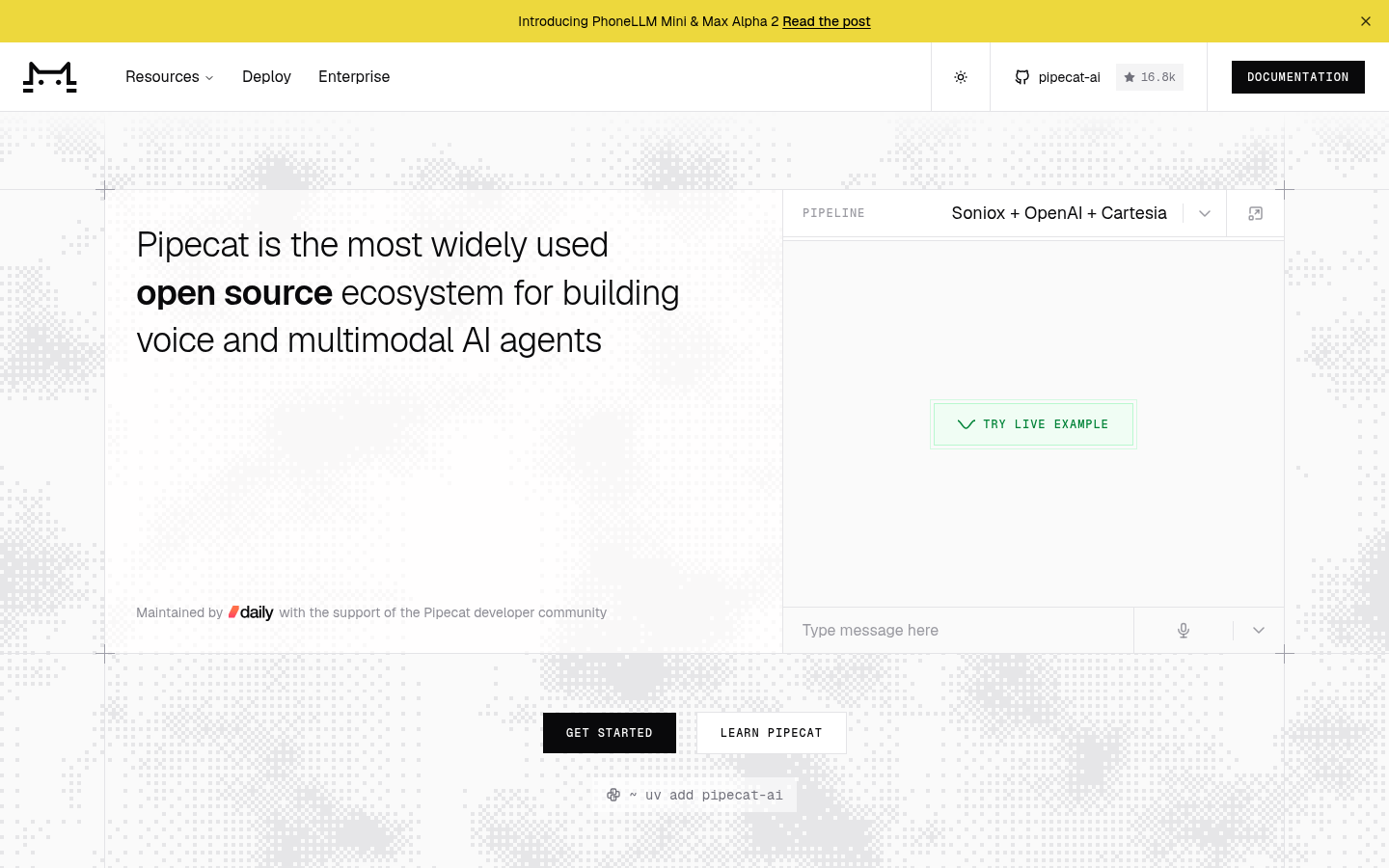
Pipecat is an open-source Python framework for real-time voice and multimodal AI agents, built and maintained by Daily. It connects the moving parts of a live conversation, the audio transport, the models, and the logic between them, into one program you control end to end.
Each Pipecat agent is a pipeline. Audio, text, and control signals flow through a chain of frame processors, and each processor does one job, such as speech recognition or speech synthesis. Developers use it to build phone agents, web and mobile voice assistants, and multimodal characters, and it can orchestrate 150+ AI services.
Teams that don't want to run servers can deploy the same agent to Pipecat Cloud, Daily's managed hosting for Pipecat agents.
What is LiveKit?
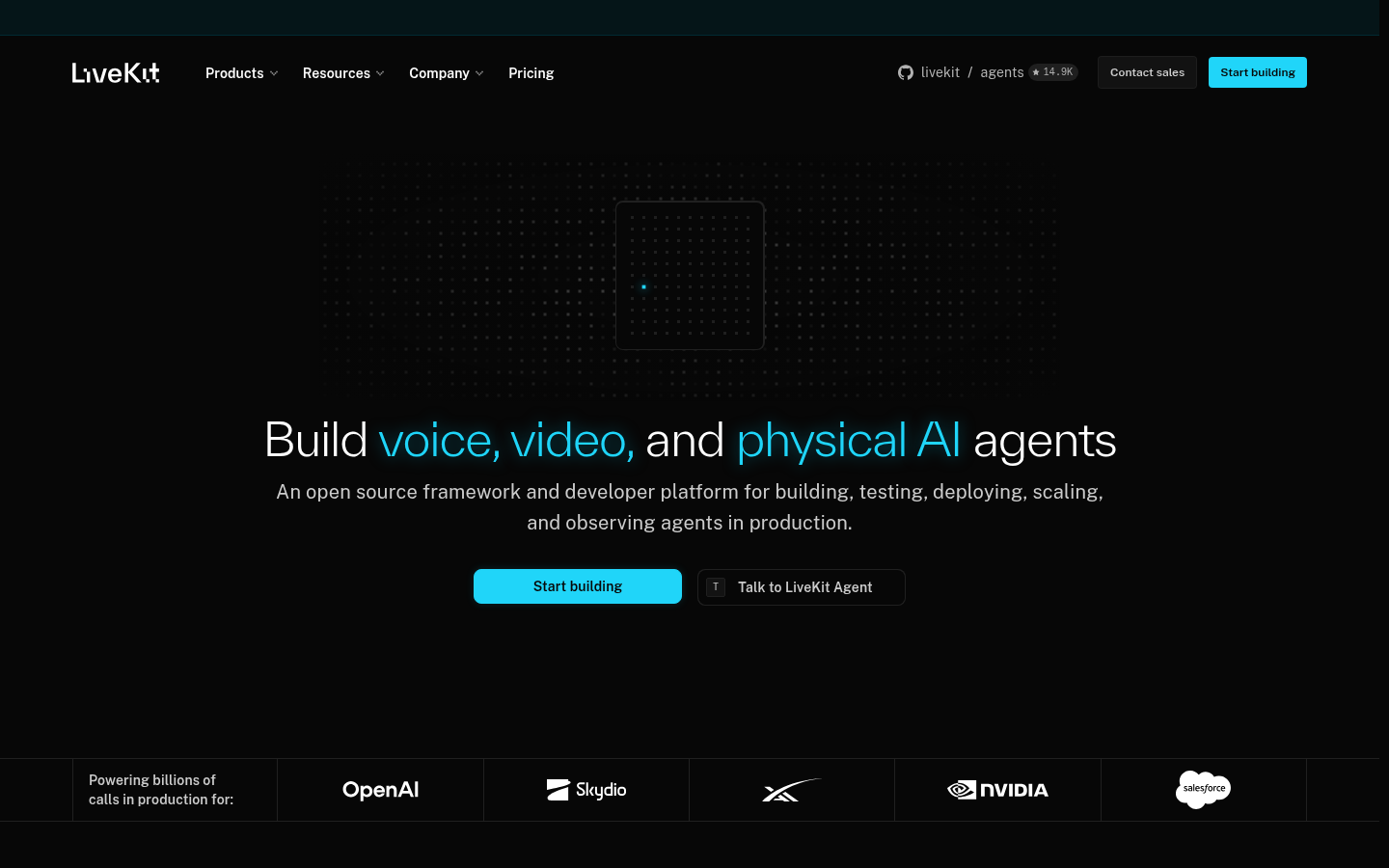
LiveKit is an open-source framework and cloud platform for voice, video, and physical AI agents. Its core is LiveKit server, a WebRTC media server that moves audio and video between users and agents in realtime rooms.
LiveKit Agents is the framework on top. It adds any Python or Node.js program to a LiveKit room as a realtime participant, and an AgentSession manages each conversation with the user. You can self-host the full stack or deploy to LiveKit Cloud.
OpenAI built ChatGPT's Advanced Voice on LiveKit Cloud, and LiveKit carries billions of calls a year for companies including Salesforce, Nvidia, Oracle, and SAP.
LiveKit vs Pipecat at a glance
The table lines up both frameworks by the choices a voice team makes first, and the sections below break each row down in detail.
| Pipecat | LiveKit | |
|---|---|---|
| Maintained by | Daily | LiveKit |
| License | BSD 2-Clause | Apache 2.0, with turn models under the LiveKit Model License |
| Server languages | Python | Python and Node.js |
| Core building block | A pipeline of frame processors | A participant inside a WebRTC room |
| Media transport | Daily, LiveKit, SmallWebRTC, or a WebSocket | LiveKit's own SFU |
| Default turn detection | Smart Turn v3, local on CPU | Audio turn detector, on LiveKit Inference or local |
| Phone calls | Twilio, Telnyx, Plivo, and Exotel over WebSocket, plus SIP | LiveKit SIP and US phone numbers |
| Managed hosting from | Pipecat Cloud, $0.01/min | LiveKit Cloud, free plan with 1,000 agent minutes |
Key terms in this comparison
The comparison below leans on these terms, so knowing what each one means makes it easier to weigh Pipecat and LiveKit feature by feature. Here is each one in plain language.
- Voice-agent framework and pipeline: a voice-agent framework is the code library that connects listening, thinking, and speaking into one running agent, and a pipeline is the chain of steps the audio passes through on the way.
- Transport and WebRTC: the transport is whatever carries audio between the caller and the agent, and WebRTC is the protocol browsers and apps use to stream media in real time. An SFU, or selective forwarding unit, is the server in the middle that routes each stream to the right place.
- STT, TTS, and the LLM: speech-to-text turns the caller's audio into text, the large language model decides what to say, and text-to-speech turns the reply into a voice. Every agent in this comparison runs these three in a loop.
- Turn detection and interruptions: turn detection is how an agent knows you finished talking, voice activity detection (VAD) notices that someone is speaking at all, and barge-in is when a caller talks over the agent and expects it to stop.
- SIP and telephony: SIP is the protocol that connects internet voice systems to phone networks, and PSTN is the ordinary public telephone network. Together they decide how a real phone call reaches your agent.
- Self-hosting vs managed cloud: self-hosting means running the open-source framework on your own servers for free, and the managed clouds, Pipecat Cloud and LiveKit Cloud, run the agents for you for a fee.
- Rooms, sessions, and concurrency: a room or session is one live conversation between a user and an agent, and concurrency is how many of those conversations your plan can run at the same time.
Architecture: frame processors vs rooms
| Pipecat | LiveKit | Why it matters | |
|---|---|---|---|
| How an agent is built | A pipeline of processors | A participant in a WebRTC room | Decides how you reason about the agent: a chain of steps you arrange, or a call the agent joins. |
| Media layer | Any supported transport | Its own SFU | Pipecat lets you keep a transport you already use; with LiveKit the media server is part of the package. |
| Swapping a model | Replace one processor | Mix and match models in the session | Neither framework locks you to one AI provider, so this gap is too small to matter. |
What the numbers mean
- Pipelines: Pipecat models a voice agent as data moving through stages, and frames move as soon as they exist, so no stage waits on the one before it and the agent starts answering while the user is still talking. You can swap one STT service or LLM provider without changing the rest of the voice pipeline.
- Running the pipeline: a PipelineWorker runs the pipeline and exposes events for monitoring. Older code that calls PipelineTask still works, because PipelineTask is now a deprecated alias.
- Rooms: LiveKit models a voice agent as a participant in a room. The agent joins the same WebRTC session as the user, the SFU, written in Go, forwards media between them, and the agent still reaches your backend over HTTP and WebSockets.
- Weak networks: WebRTC suits media better than a plain WebSocket, with efficient codecs and automatic adaptation to weak networks. WebRTC clients smooth out network delay with jitter buffers, and LiveKit's Rust SDK even offers a zero jitter buffer mode for apps that want the lowest playback latency.
- The latency budget: Pipecat's docs put typical voice interactions at 500 to 800ms, under a second between the user finishing and the agent speaking. Every stage you add spends part of that budget, which is why both designs stream everything instead of waiting for finished sentences.
- Where they meet: Pipecat can use LiveKit as its transport, so a team can keep its pipeline and run media on LiveKit's network.
Verdict
- Pick Pipecat if you want to arrange, inspect, and swap every stage of the conversation yourself, or you already have a media transport you trust.
- Pick LiveKit if you would rather have one system own the media path, especially for callers on weak phone or Wi-Fi networks.
Turn detection and interruption handling
| Pipecat | LiveKit | Why it matters | |
|---|---|---|---|
| Turn model | Smart Turn v3, local on CPU | Audio turn detector, 14 languages | A dedicated model senses when you finish a thought, so the agent replies without cutting you off or lagging. |
| Free local option | Yes, it's the default | v1-mini on CPU | A local model costs nothing extra to run and keeps working when the network doesn't. |
| Barge-in filter | Optional Krisp VIVA strategy | Adaptive interruption model | Keeps the agent from stopping mid-sentence every time a caller murmurs agreement. |
What the numbers mean
- The shared base: both frameworks treat turn-taking as a model problem, not just a silence timer. Each uses Silero for voice activity detection and adds a second model that judges when the user has finished a thought.
- Pipecat's default: smart Turn v3 is an open-source model that reads intonation and linguistic cues, and its weights ship with the framework. There is nothing extra to host or pay for, and turn detection keeps working with no network at all.
- Interruptions on Pipecat: interruption handling is on by default. When the user barges in, the bot goes silent within roughly one audio write, a fraction of a second, cancels in-flight work, and keeps only the words it actually spoke in the conversation history, so the transcript matches what the caller heard. An optional Krisp VIVA strategy separates a real barge-in from an "uh-huh".
- LiveKit's detector: the audio turn detector combines meaning with acoustic cues such as pitch and rhythm. The full model runs on LiveKit Inference, and if that hosted model is unavailable the framework falls back to VAD-based detection, so turn-taking degrades instead of breaking.
- Backchanneling on LiveKit: adaptive interruption handling separates barge-ins from backchanneling, the murmurs callers make while listening, so the agent keeps talking through encouragement and stops for a real interruption.
Verdict
- Pick Pipecat if you want the default turn model running entirely on your own CPU, with interruption handling already switched on.
- Pick LiveKit if your agent converses in several languages, since its detector covers 14 and falls back gracefully when the hosted model is unreachable.
Telephony and transports
| Pipecat | LiveKit | Why it matters | |
|---|---|---|---|
| Phone numbers | Your carrier, or managed PSTN with SIP included | Local and toll-free US numbers | Decides whether you shop for a carrier yourself or buy the number where the agent is hosted. |
| Carrier connections | Four carrier serializers, or SIP | Third-party SIP trunks | An existing phone contract can plug into either framework. |
| Self-hosting note | No separate telephony component | SIP service deployed separately | Running LiveKit yourself means one more component to deploy before the agent can take calls. |
What the numbers mean
- Pipecat's two routes: WebSocket connections work with Twilio, Telnyx, Plivo, and Exotel through provider serializers, so a Twilio call arrives as a Media Stream, but those connections lack call-center features like transfers. SIP telephony adds full call control, including transfers, forwarding, and multi-party calls, and bots can dial in and dial out across PSTN and SIP.
- Managed PSTN: Pipecat's managed hosting also offers integrated PSTN transport with SIP included, so the phone plumbing can come from the same place that runs the agent.
- Web and mobile on Pipecat: for users on a website or app, the agent runs on Daily's WebRTC, on LiveKit, or on SmallWebRTC for peer-to-peer connections without cloud infrastructure.
- LiveKit's stack: telephony stays inside its own platform. LiveKit Phone Numbers sells local and toll-free US numbers in its cloud, third-party SIP trunks connect for inbound and outbound calls, and connectors bridge WhatsApp Business and Twilio without a SIP trunk.
- Self-hosting the phone layer: a self-hosted LiveKit setup needs its SIP service deployed separately, so plan an extra component if you run your own servers. A Pipecat agent has no separate telephony service to stand up.
Verdict
- Pick Pipecat if you already have a carrier contract with a provider like Twilio or Telnyx, or you want the agent and its telephony to run wherever Python runs.
- Pick LiveKit if you want the phone number, the media network, and the agent hosting from one platform.
Pricing: Pipecat Cloud vs LiveKit Cloud
| Pipecat | LiveKit | Why it matters | |
|---|---|---|---|
| Self-hosting | Free | Free | Both frameworks cost nothing to run yourself; the bill starts with managed hosting and the AI models. |
| Managed hosting from | $0.01/min per agent | Free plan, then $50 a month | Pipecat Cloud bills purely by use; LiveKit Cloud starts free and moves to a monthly plan. |
| Concurrency | Unlimited | 5 sessions on the free plan | Concurrency caps how many calls run at once, usually the first limit a growing agent hits. |
What the numbers mean
- The shared baseline: both frameworks are free to run on your own servers, and you pay your STT, LLM, and TTS providers, such as Deepgram or ElevenLabs, either way. The hosting bill only appears when you use a managed cloud.
- Pipecat Cloud: bills per active agent minute by compute size, so a penny a minute runs the smallest agent and a bigger one costs more per minute. Its WebRTC voice transport is free for 1:1 voice sessions, you connect your own model providers and pay them directly, and agents run in Daily-hosted regions in the US, Europe, and India.
- LiveKit Cloud: the free plan includes 1,000 agent minutes a month with no credit card, and each plan includes inference credits for models called through LiveKit Inference, so a small agent can run its STT, LLM, and TTS on one account. Paid plans raise the concurrency limit as you grow.
- Self-hosting effort: LiveKit server deploys as a single binary, a Docker image, or on Kubernetes, so a self-hosted setup fits most infrastructure teams, and a Pipecat agent is a Python program you can run on any host.
Verdict
- Pick Pipecat if you want hosting costs that scale purely with use and no cap on how many calls run at once.
- Pick LiveKit if you want to start free and keep models, minutes, and media on one bill.
Developer experience and providers
| Pipecat | LiveKit | Why it matters | |
|---|---|---|---|
| Server languages | Python | Python and Node.js | A team that lives in Node.js can stay in one language on LiveKit; Pipecat keeps the server in Python. |
| Model access | Your own provider keys | Your own keys or a built-in gateway | A gateway puts models on one account and one bill; your own keys keep direct control of each provider. |
| Structured conversations | A graph of nodes in Flows | Written in agent code | A graph keeps a long scripted call on track; plain code keeps full flexibility. |
What the numbers mean
- Languages and clients: Pipecat runs only Python on the server, while LiveKit Agents also ships a Node.js version, so a web team building voice AI agents can stay in one language. On the client side, Pipecat ships SDKs for JavaScript, React, React Native, iOS, Android, and C++, and they implement RTVI, an open protocol for real-time AI inference, so a web or mobile app can talk to any RTVI-compatible server.
- Structured conversations: Pipecat Flows, built into the framework, structures a conversation as a graph of nodes, each with only the tools it needs, which cuts the hallucinations that come from one giant prompt with many tools. Flows needs a cascaded STT, LLM, and TTS pipeline, so a speech-to-speech model like OpenAI Realtime won't run inside Flows.
- Model access: Pipecat maintains core integrations for Deepgram and AssemblyAI speech recognition, Anthropic models, and Cartesia and ElevenLabs voices, and you bring your own provider keys. LiveKit Inference reaches STT, LLM, TTS, and speech-to-speech models through your account credentials, with zero data retention by default.
- Testing: LiveKit ships a built-in test framework that lets you write tests and use LLM judges before you ship, so a prompt change that breaks the agent shows up before a caller finds it.
Verdict
- Pick Pipecat if your conversations follow a script with many steps, since Flows gives each node only the tools it needs.
- Pick LiveKit if your server team prefers Node.js, or you want model access and agent testing built into the framework.
Give your Pipecat or LiveKit agent a face
Every agent built on either framework ends with a stream of TTS audio. LemonSlice turns that stream into a real-time interactive AI avatar, a live character on screen, so an AI character, an interactive museum exhibit, or a support agent gets a face without a rebuild. LemonSlice works with any voice and any language model.
LemonSlice works best for customer support, lead qualification, companion AI, tutoring, and AI characters. Whatever your agent handles, here's what comes with it:
- Any face from one image: upload one photo and go live with no training, fine-tuning, or video shoot, and a smiling teacup animates as easily as a person. The Action Engine fires gestures and emotion during the call, and you can change the character's appearance mid-session.
- Response speed: LemonSlice adds minimal latency on top of your existing voice stack, so you can budget for it next to STT, the LLM, and TTS. Its global fleet of GPUs runs calls from the nearest region.
- Concurrency at scale: every LemonSlice model runs thousands of concurrent calls, so the avatar keeps up with an agent on either vendor's cloud.
- Let your coding agent add it: install the LemonSlice skill, then ask Cursor, Claude, or Copilot to add a video avatar to your voice app. The skill checks what you already have and attaches the avatar to an existing LiveKit agent, or scaffolds a starter app with keys, the voice cascade, an image, and a ringing UI.
- Wire any stack: you can wire either framework by streaming the agent's audio to LemonSlice's WebSocket endpoints, so the avatar layer drops into whichever stack wins. On LiveKit the Python version follows the same shape as the Node.js sample below, and on Pipecat a LemonSliceTransport takes a Daily room URL and token. You can walk through both setups in our docs.
In a LiveKit agent, the example below starts a LemonSlice AvatarSession in the agent's room and hands it the session, so the speech-to-text, LLM, and TTS pipeline stays the same:
export default defineAgent({
  entry: async (ctx: JobContext) => {
    const session = new voice.AgentSession({
      llm: new inference.LLM({ model: "openai/gpt-4o-mini" }),
      stt: new inference.STT({ model: "deepgram/nova-3", language: "en" }),
      tts: new inference.TTS({ ... }),
    });
    await ctx.connect();
    const avatar = new lemonslice.AvatarSession({ agentImageUrl: AGENT_IMAGE_URL,
      agentPrompt: "A person talking." });
    await avatar.start(session, ctx.room);
    await session.start({ agent: new Assistant(), room: ctx.room, ... });
    session.generateReply();
  },
});
Node.js code sample from lemonslice.com/avatar-api
Developers can start with as little as $8 a month, and every plan includes unlimited avatars and API access. Add your first interactive AI avatar to your Pipecat or LiveKit pipeline.
Pipecat vs LiveKit: which should you choose?
The LiveKit vs Pipecat decision usually follows the team that will run the agent.
| If you need | Lean toward | Why |
|---|---|---|
| A Node.js server | LiveKit | LiveKit Agents ships a Node.js SDK |
| A choice of media transport | Pipecat | Pipecat's transport layer is pluggable, so you keep the media stack you trust |
| Structured, multi-step conversations | Pipecat | Pipecat Flows gives each step only the tools it needs |
| Telephony in the same stack | LiveKit | LiveKit Phone Numbers and SIP come with LiveKit's cloud |
| Hosting in your own cloud | Either | Both frameworks self-host, and Daily's Pipecat Enterprise tier can run agents in your VPC |
Choose Pipecat if your team writes Python and wants control over every stage, because the pipeline design lets you swap any provider and move the agent between transports, including LiveKit.
Choose LiveKit if you want one vendor for media, agents, and phone calls, because its SFU, agents framework, and hosting share one API whether you self-host or not, though phone numbers come with LiveKit Cloud only.
If the table splits down the middle, run a short test: build the same agent on both, time the response over your users' real networks, and keep the one your team debugs faster.
Whichever framework you pick, you can give your voice agent a face with LemonSlice. LemonSlice drops a real-time interactive avatar into the pipeline you already run, and the agent itself stays untouched. You can create the character from a single photo, responses come back with ultra low latency from LemonSlice's global fleet of GPUs, and developers can start prototyping for as low as $8 a month with the API included. If you switch frameworks later, the face carries over. Build your first interactive AI avatar with LemonSlice.